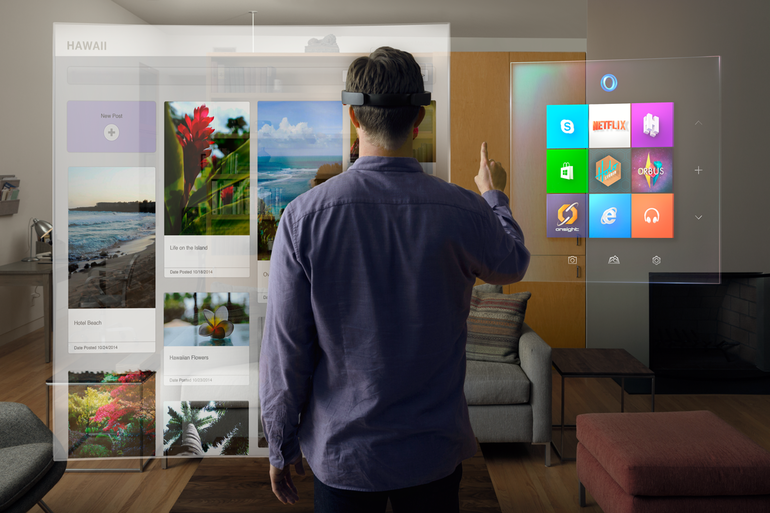
Well things just got a little more closer to that reality with Microsoft’s HoloLens. Instead of products like Google Glass and Oculus Rift, which put the user in a virtual world – the HoloLens puts you in a virtual environment by taking elements from a digital world and making them an interactive part of your world.
“In one demo, a Minecraft scene was displayed over a real living room. A Microsoft minder asked me to select a virtual hammer (a tool in the game) and start smashing the coffee table in the room. She wanted me, in other words, to use a digital object to interact with a real one. I did so and was stunned by what happened: Before my eyes, the real coffee table splintered into digital debris, and then it was no longer there. HoloLens had perfectly erased the coffee table from the environment.”
“Using real photography from the Curiosity rover, Microsoft was able to re-create a Martian landscape and overlay a 3D-map around a small, conference-room-size environment. I can walk around, bend down and look at rocks. I can even see NASA’s Curiosity rover, which is larger than a standard motor vehicle.”
“With HoloLens, I’m not just able to see what it’s like to walk around on Mars, but I’m also able to interact with the contents on the surface. Using a finger gesture called Air Tap, the HoloLens lets me mark certain spots on the surface for investigation and even lets me talk with another floating figure and collaborate on examining the surface.”
You can read more about Windows Holographic and the HoloLens on The Verge.
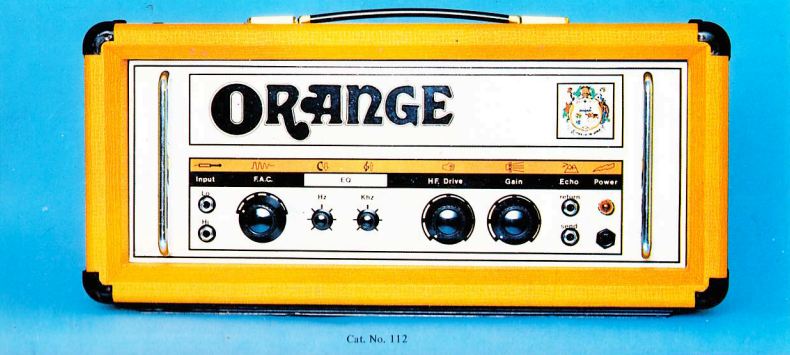
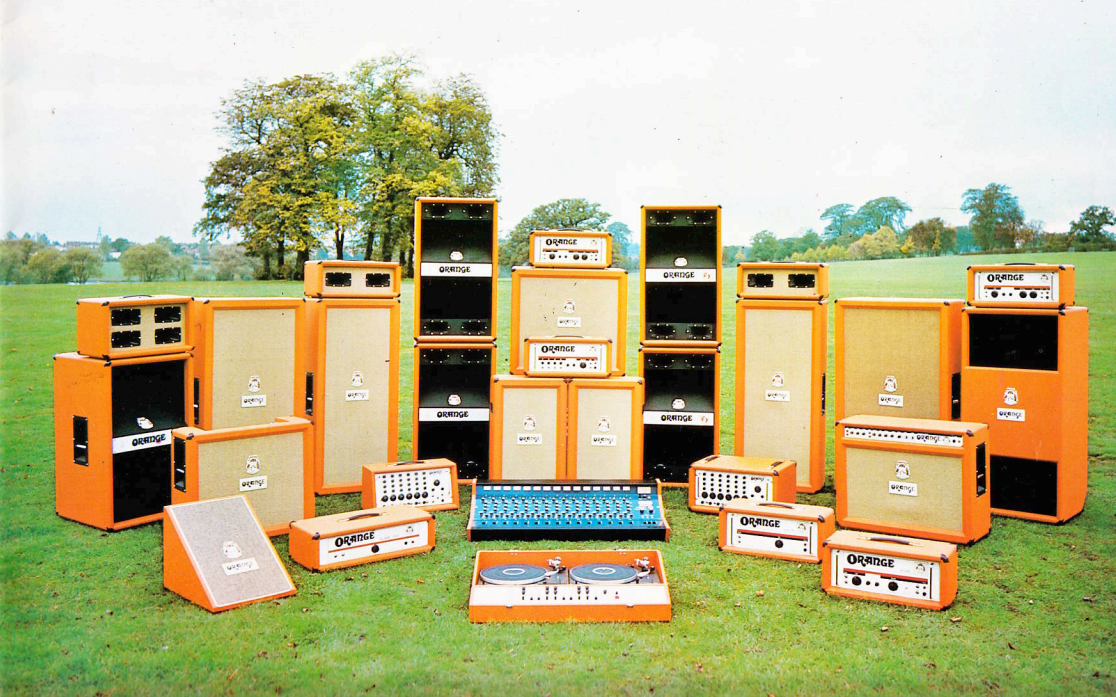
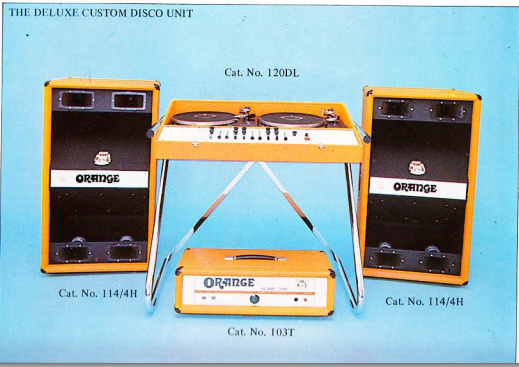
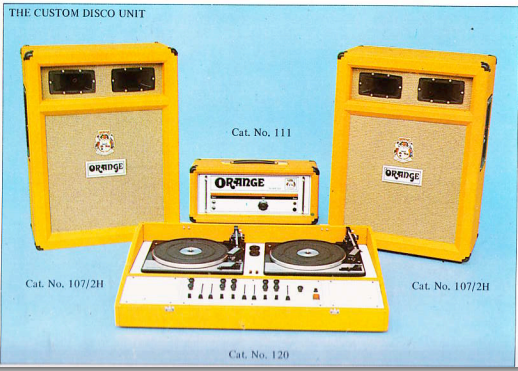
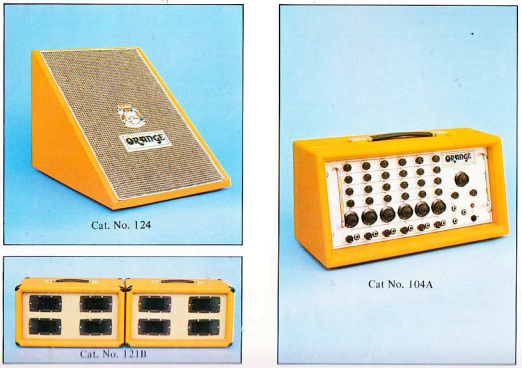
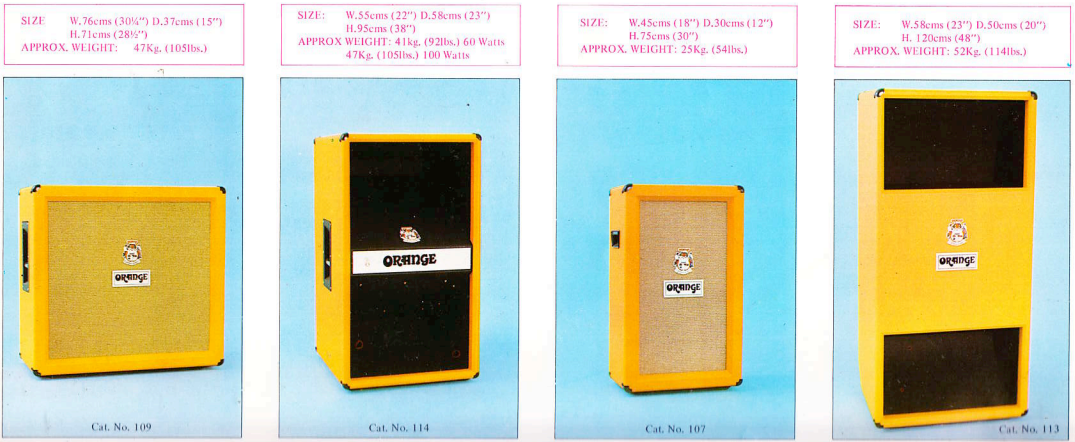
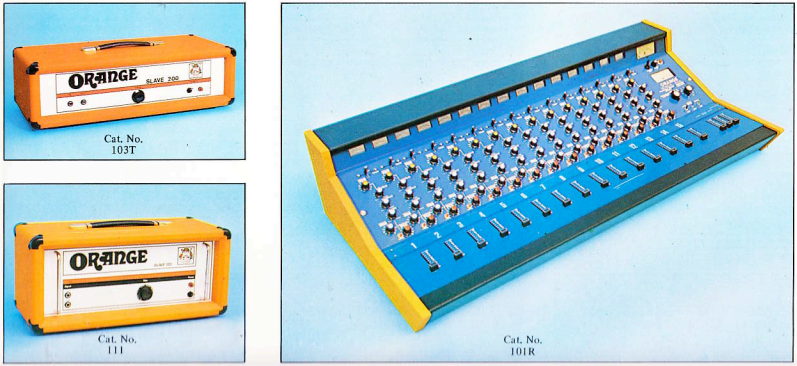
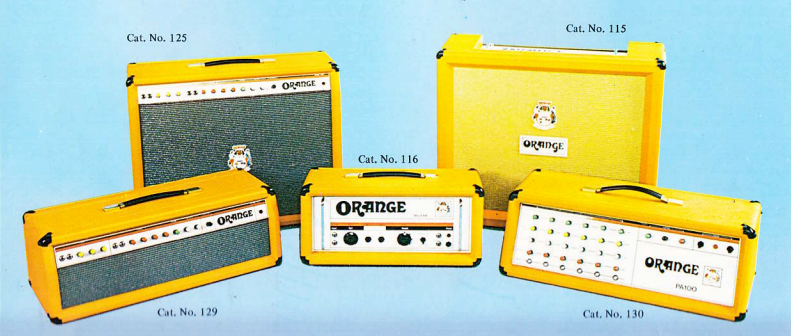
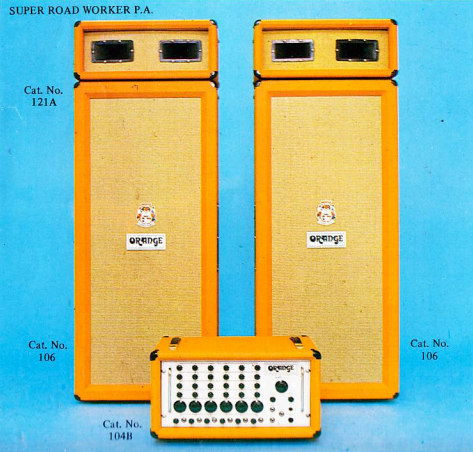
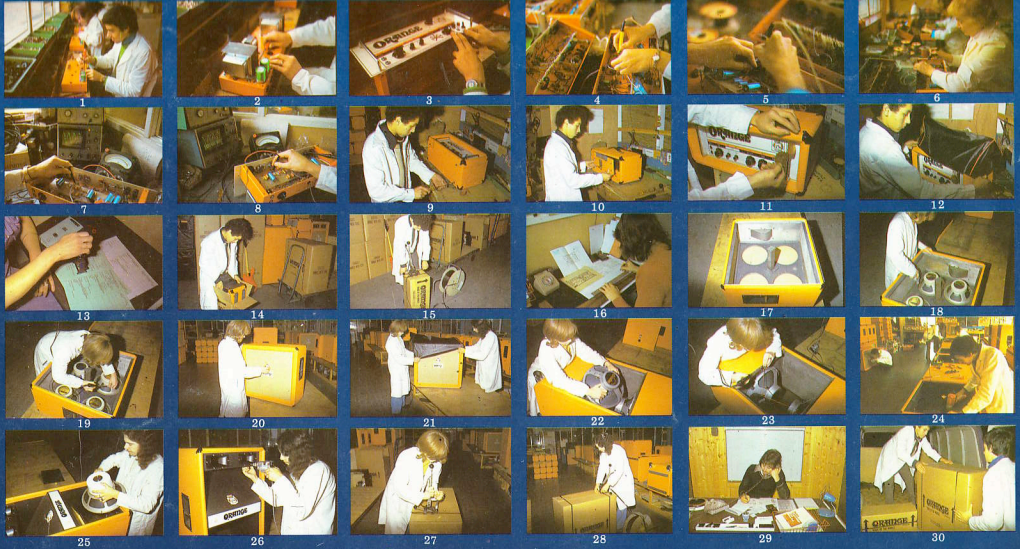
I don’t play guitar but i’m always eyeing the Orange amps, they catch my eye every time. Recently I saw someone post that Disco setup with the turntables and I had to dig up more, here’s some of the best images I found.
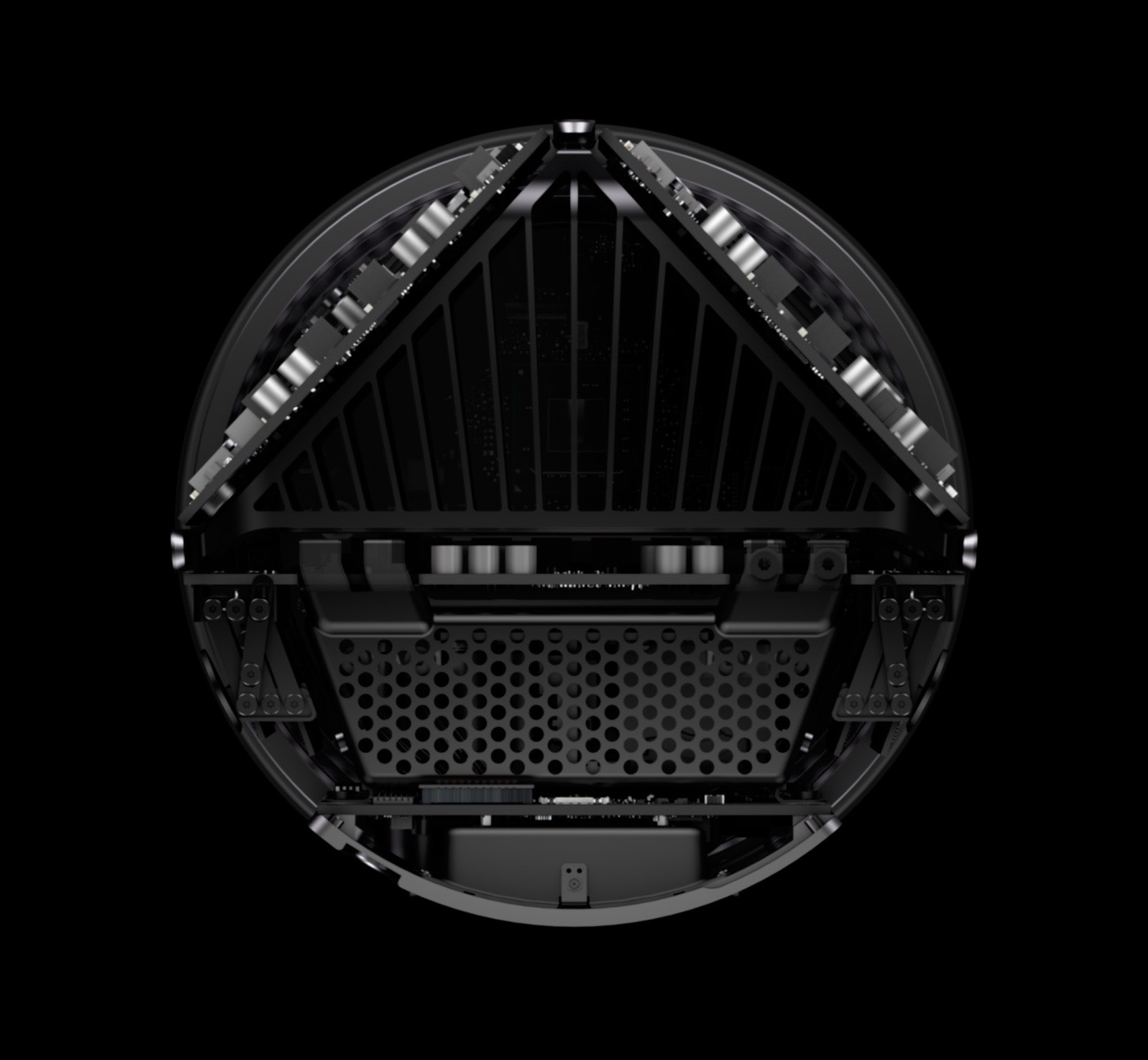
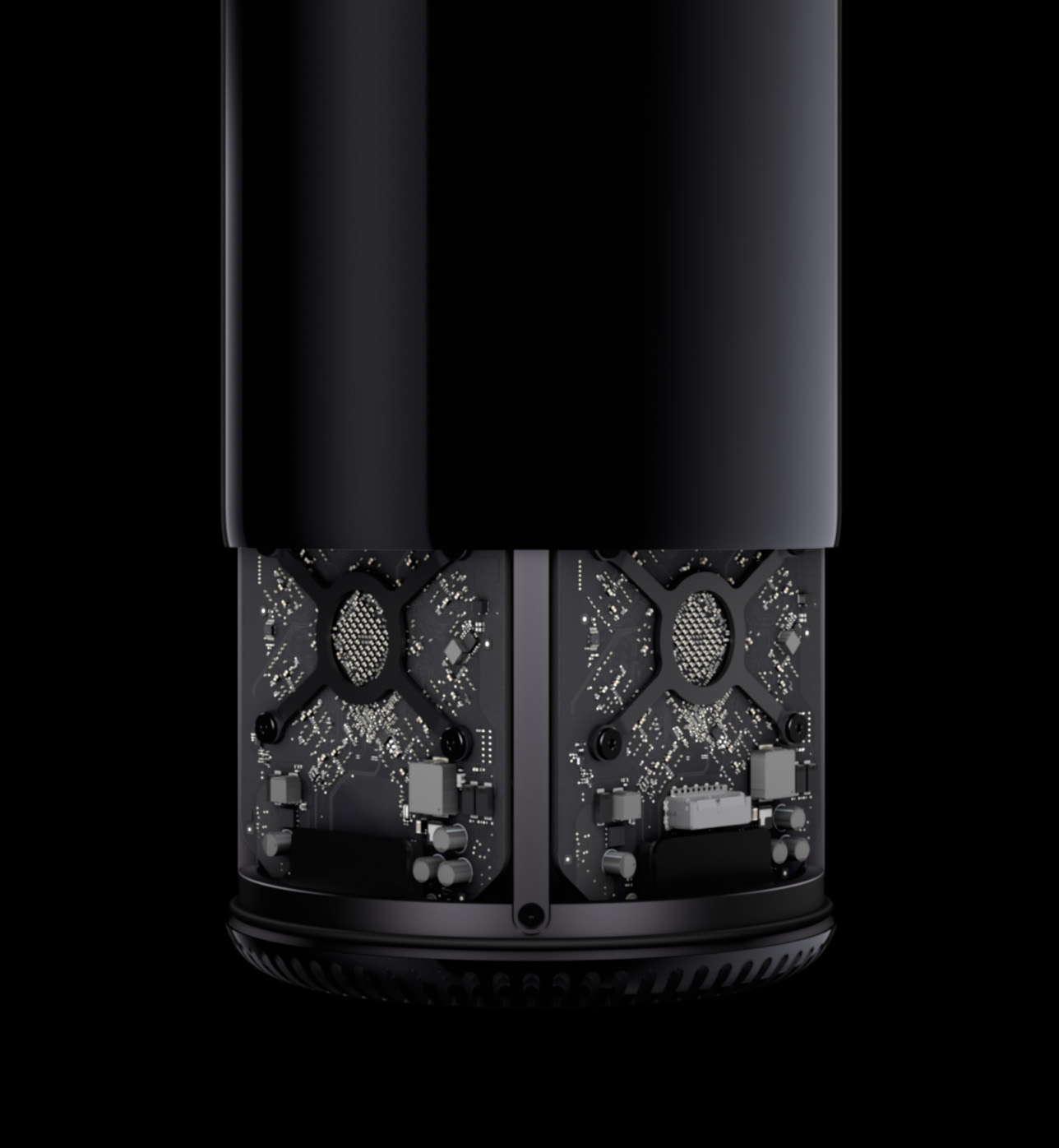
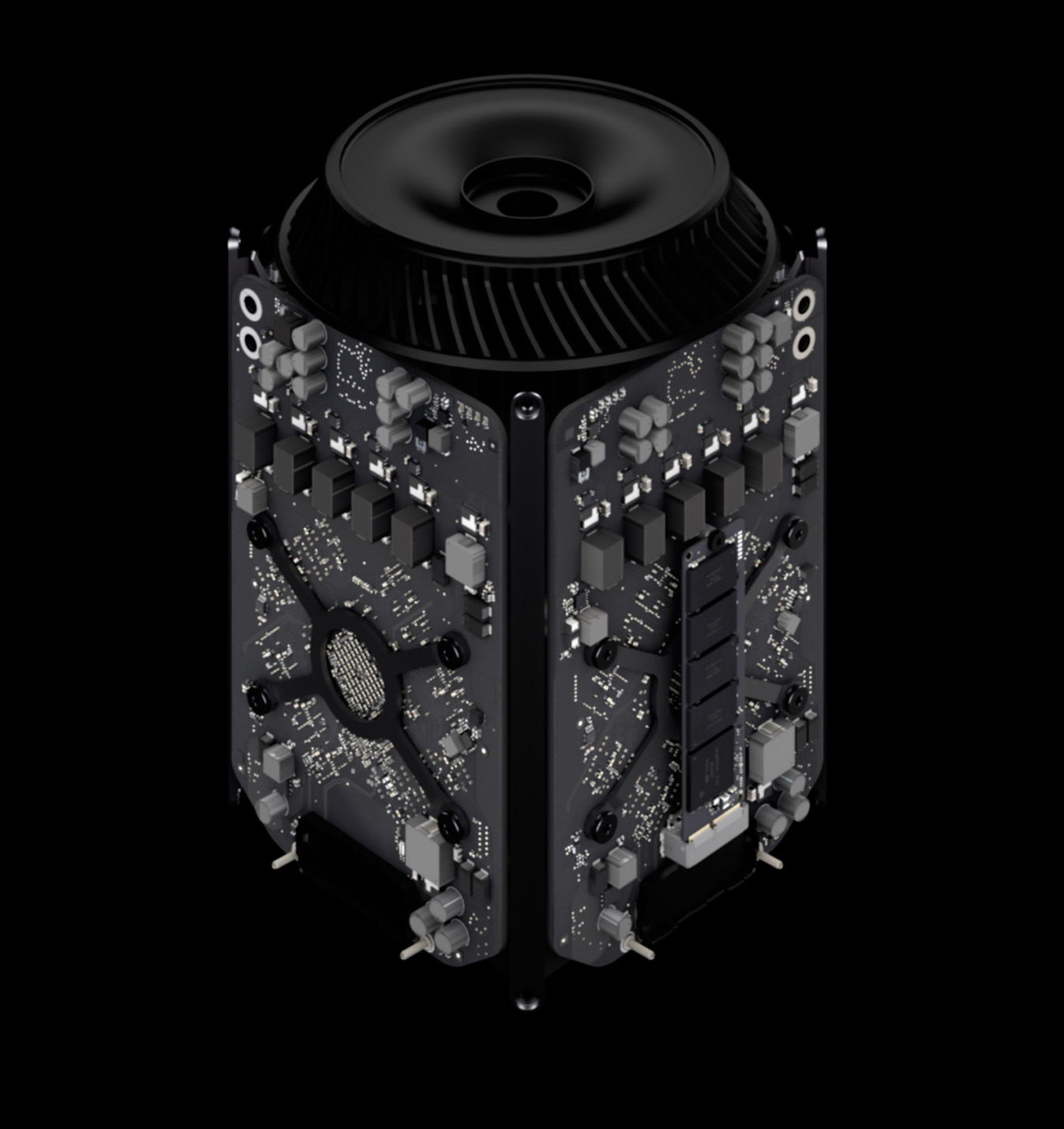
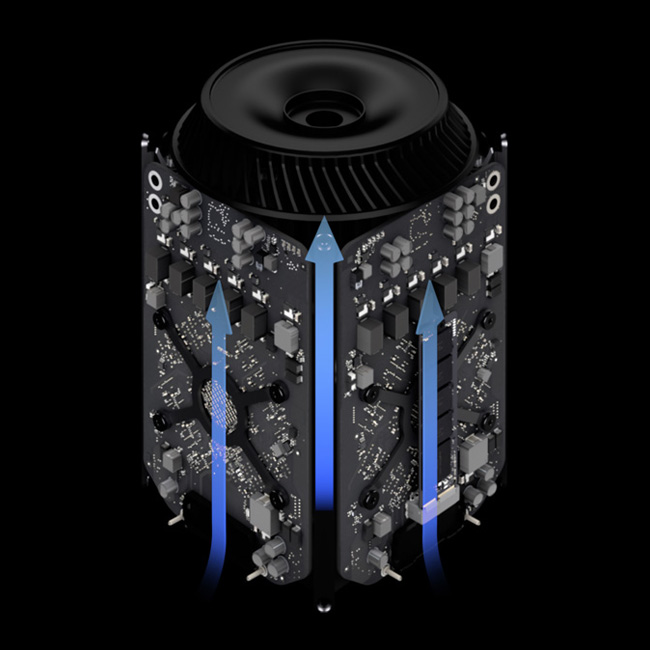
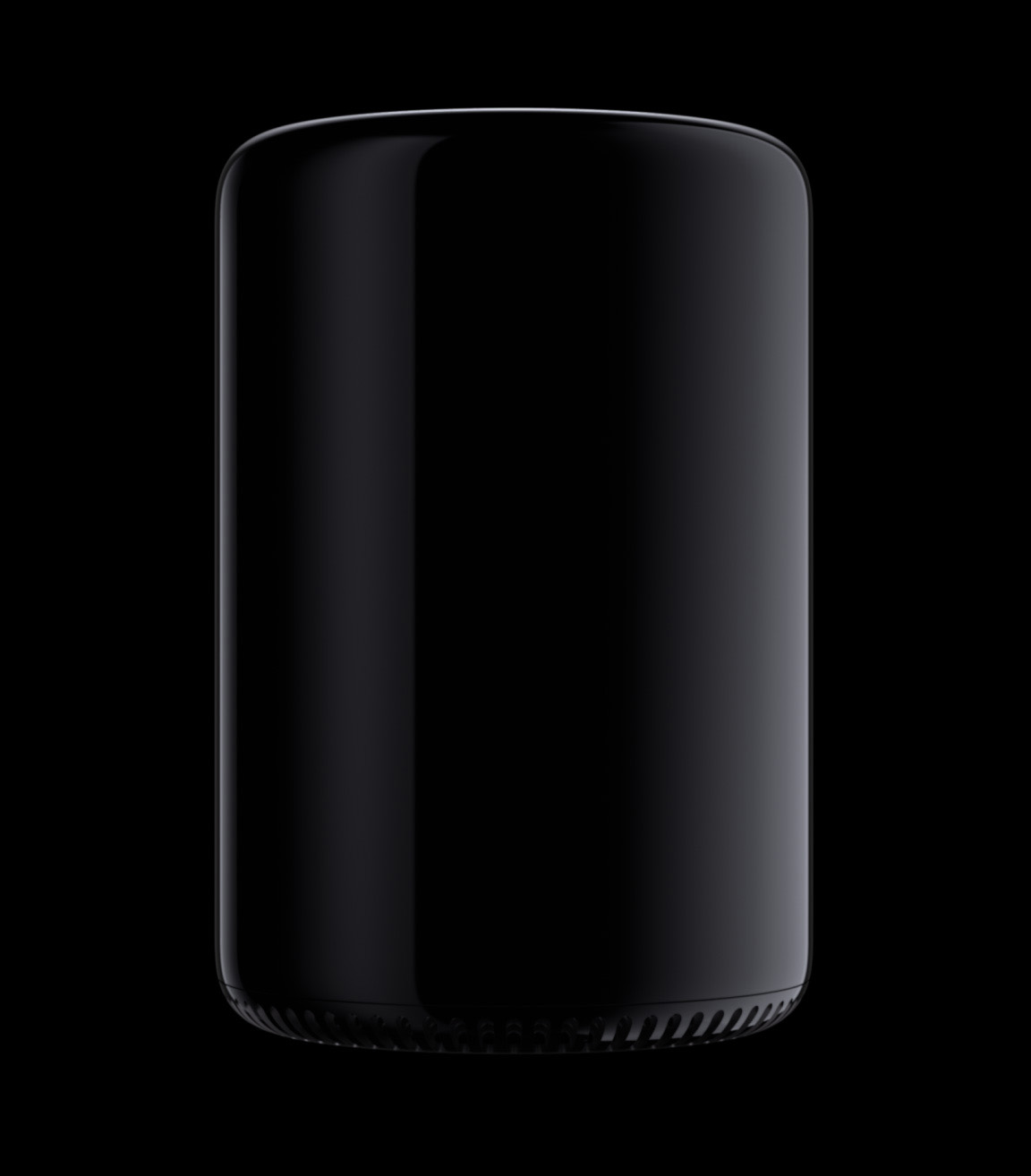
I have never owned a Mac Pro nor do I ever plan on owning one (probably, never say never). I am writing this from the perspective of a life-long PC user (which I am) who thinks very highly of Apple products (I use Macbook Pros for the Tycho live shows). I love OS X, I love Apple hardware; I just prefer PC as my desktop environment when creating music, design, and video. I don’t have any great explanation, I just do. But I’ve always envied those shiny aluminum behemoths lurking in the corners of my friend’s studios. The interior of the Pros was always what did it for me: that blue color on the PCBs, the brushed finish on the capacitors, the thermal compartments. So I too was waiting on this new machine, if only to see what Apple would come up with next.
Considering I’m not a Mac Pro user it’s not really my place to be thrilled or disappointed, I guess I’d just say I’m surprised. This was a radical step in a new direction and for that, I applaud Apple’s stones. With their dominance in the consumer sector this could have gone two ways: The Mac Pro could have just gone away, or, with nothing to really gain or lose, they could do something completely unexpected and truly innovate. They chose the latter and I think it’s a great thing for the PC industry as a whole.
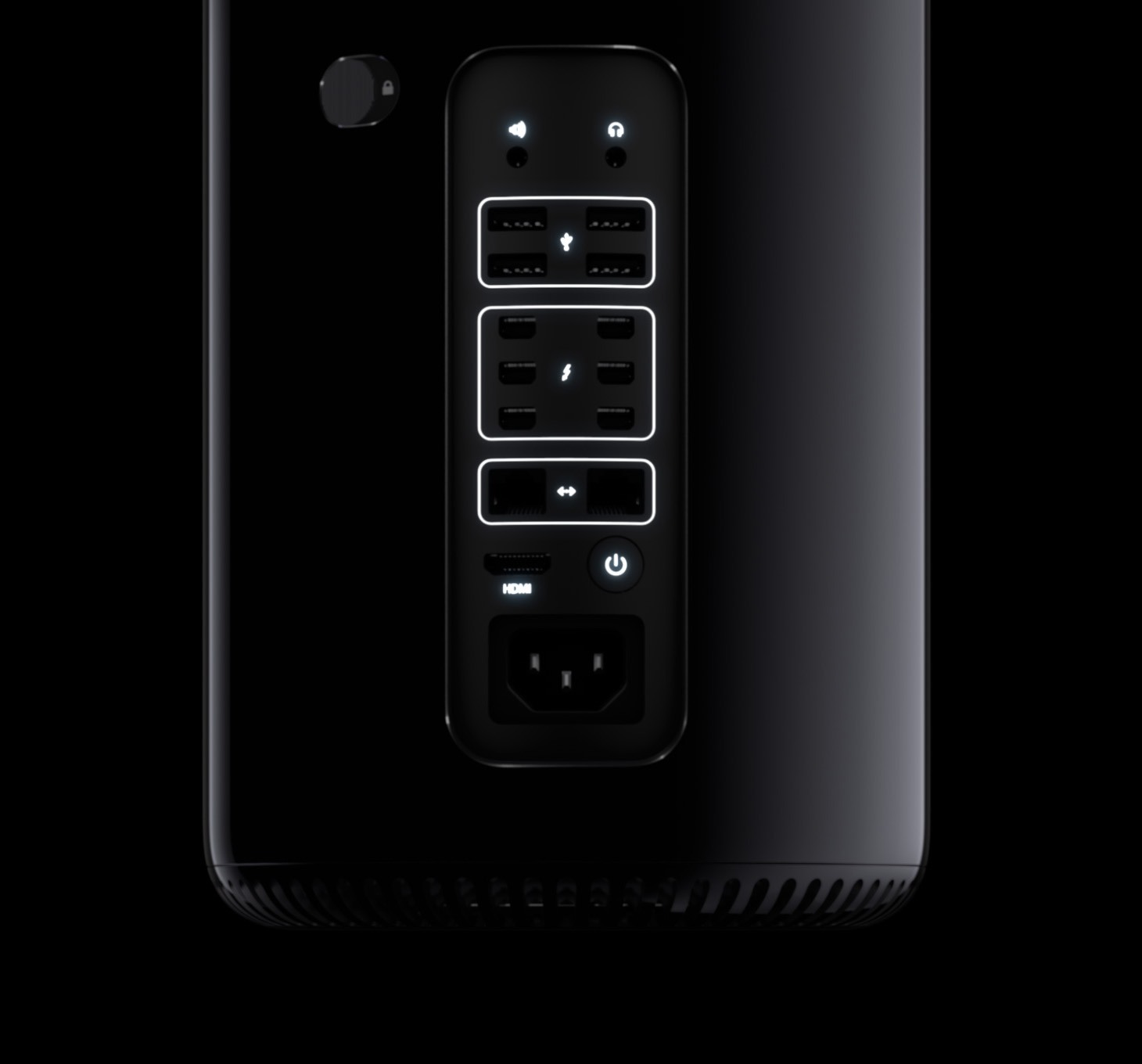
I would have said let’s put aesthetics aside and just discuss the specs on this machine, but it seems the two are inexorably linked, which depending on how you view this, could be a good or bad thing. On the one hand it’s compact and sleek, on the other it seems very proprietary, further limiting the already limited list of compatible hardware. But don’t forget what’s around back: six Thunderbolt 2 ports. The first thing I thought when Thunderbolt 1 was announced was “here comes modular computing”. The first thing I thought when I saw the 2013 Mac Pro and the Thunderbolt 2 announcement was “here is the face of modular computing”. A compact central computing element with an external interconnect protocol capable of PCIx+ speeds. This opens some very large doors in terms of upgrading and/or easily and quickly adjusting your system for changing needs.
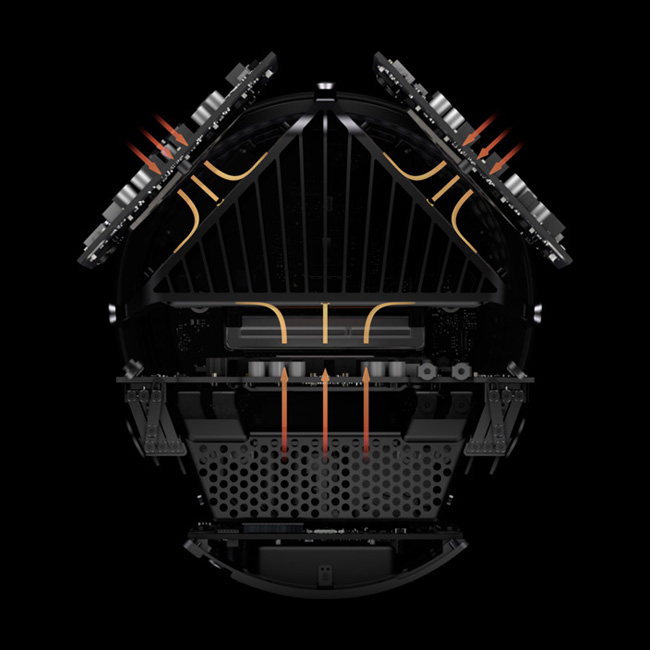
The form factor is incredibly efficient (take a look at the Mac Pro site at Apple for more on the unified thermal architecture, brilliant). For someone who transports a very large PC ATX case to and from various studios, the idea of a compact, tubular enclosure like this is a dream. I could fit this thing in a messenger bag or a small flight case. For tour it could be great too; mount two of these horizontally in a flight case so that when the case caps are removed the intake and exhaust are exposed. I’ve seen the old Mac Pros mounted two-up in 19″ flight cases on stage before, it’s a huge footprint, this would be a welcome change for many a stage manager / tech I’m sure. As I’m writing this I’m starting to convince myself this might make a good next desktop, we’ll see.
All in all I think it’s a beautiful piece of engineering with the specs to back it up, but what do I, a lowly PC user, know? What do you current Pro users think? Does this scare you? If so, why? What do you think of the look? Are you going to get one?
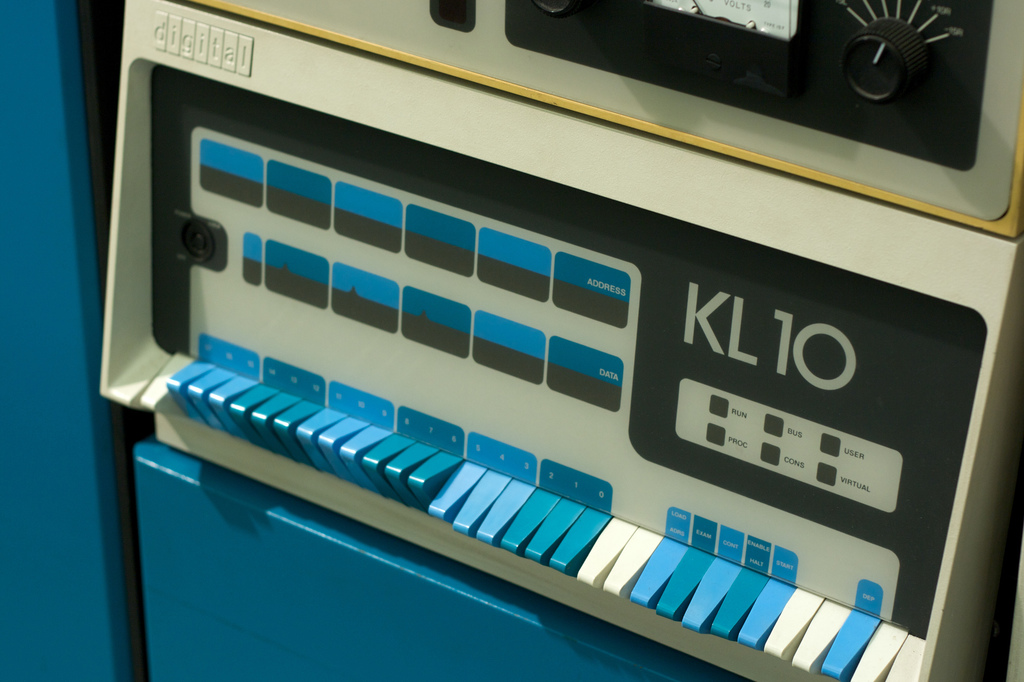
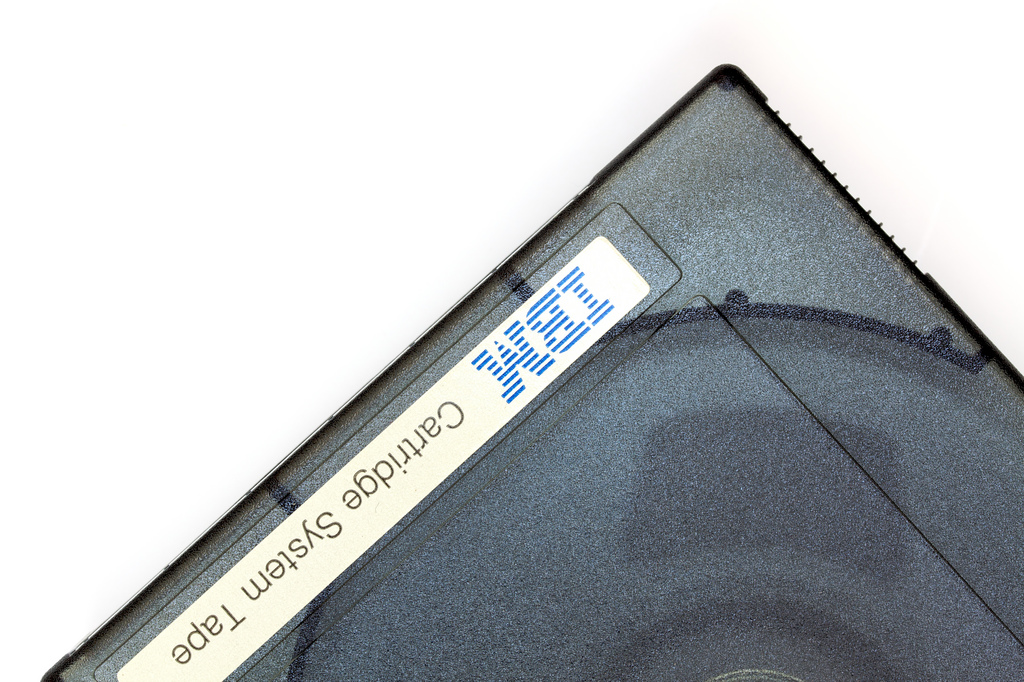
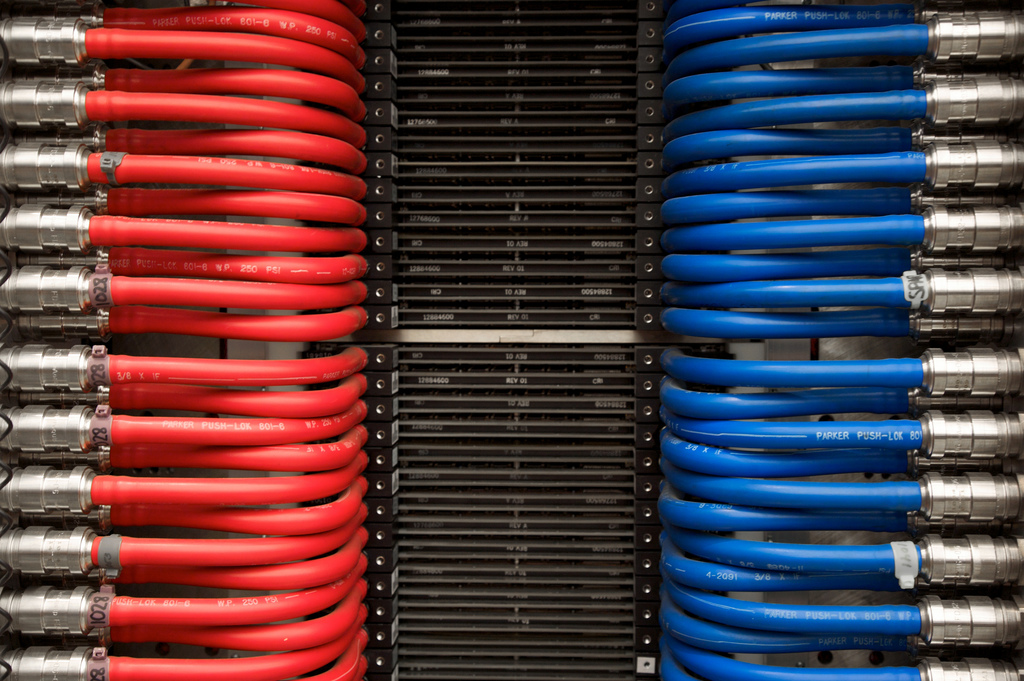
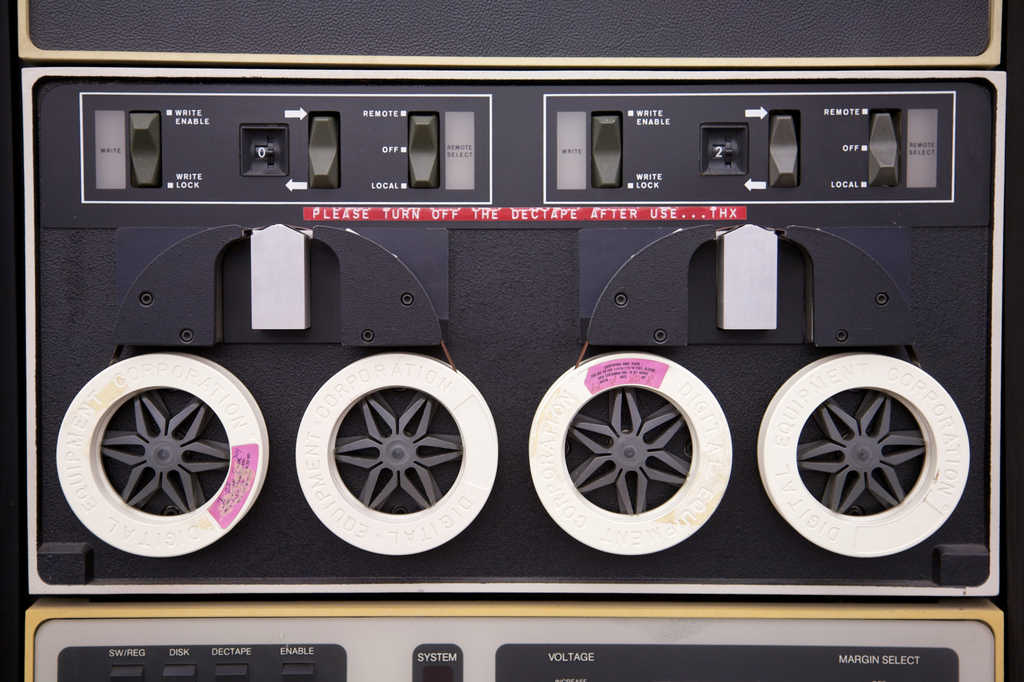
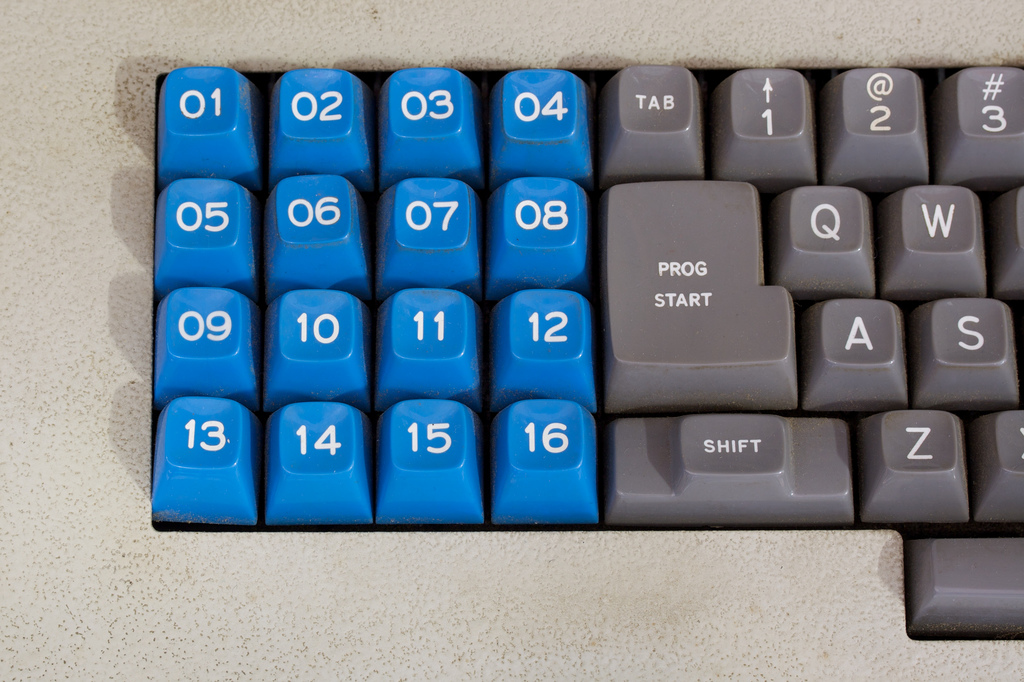
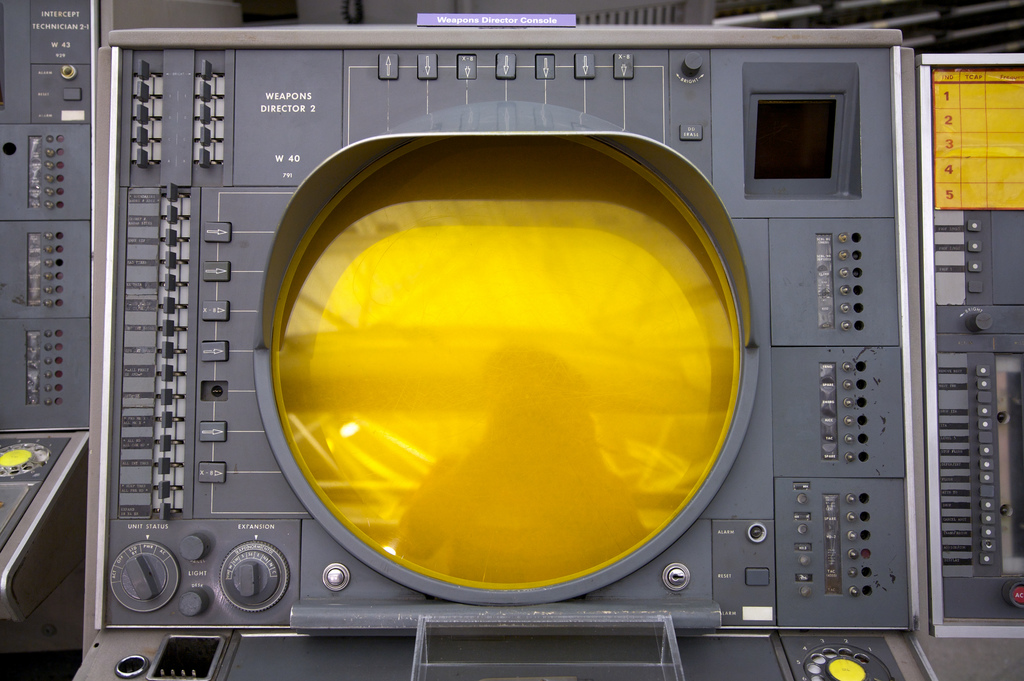
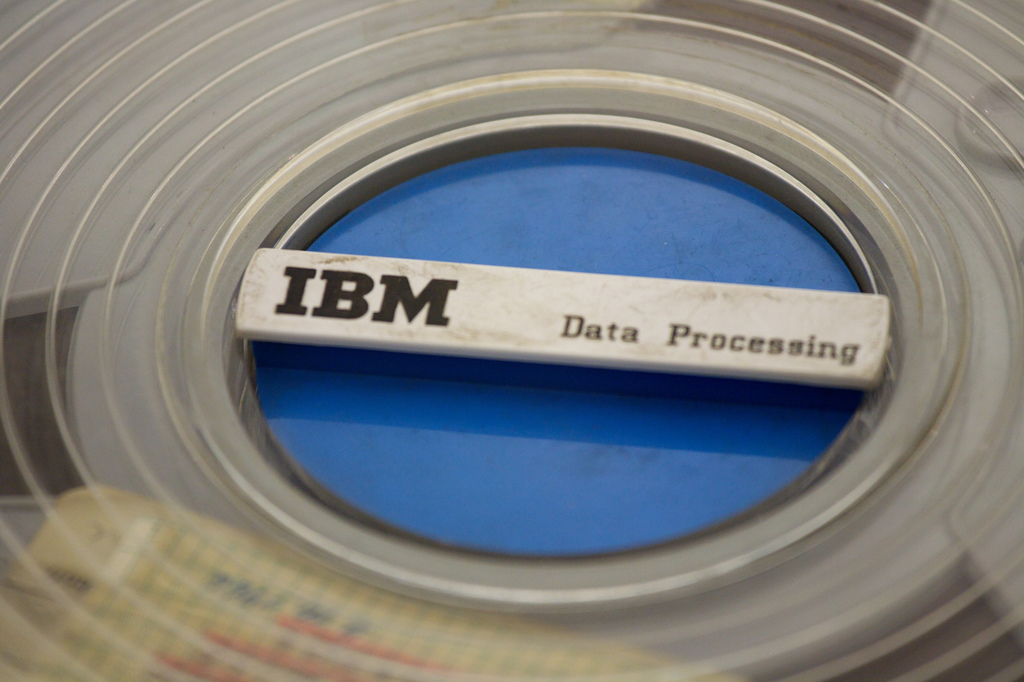
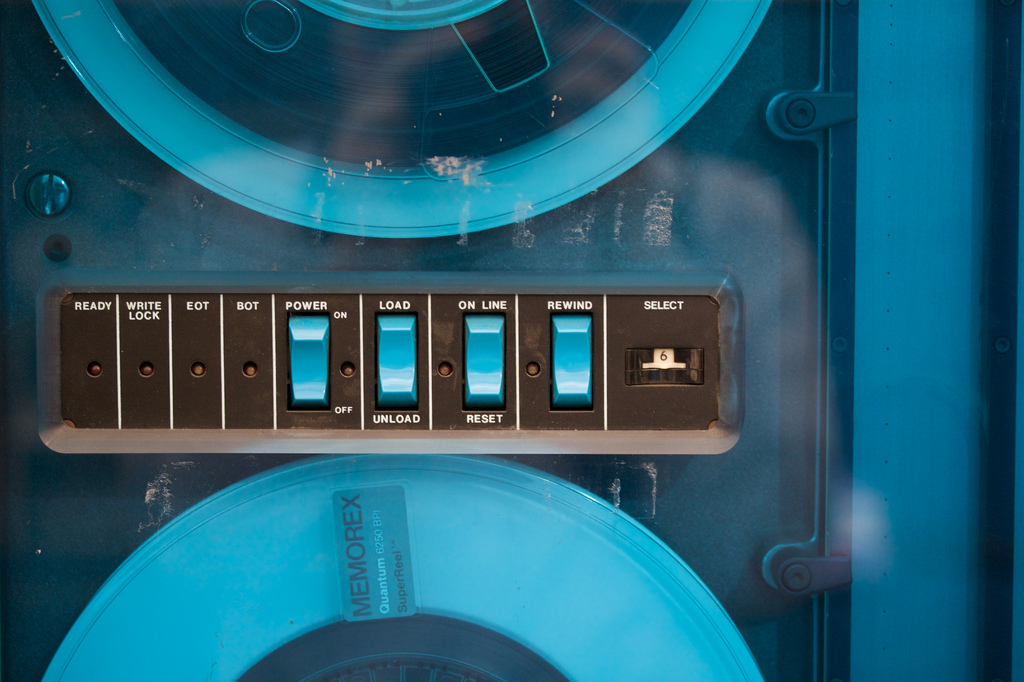
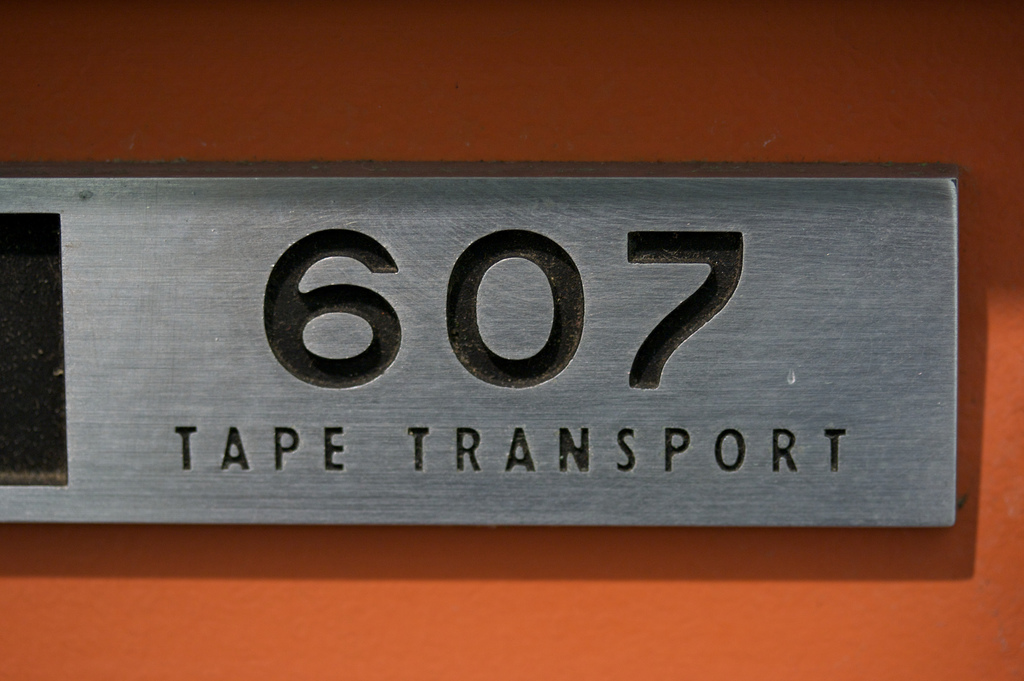
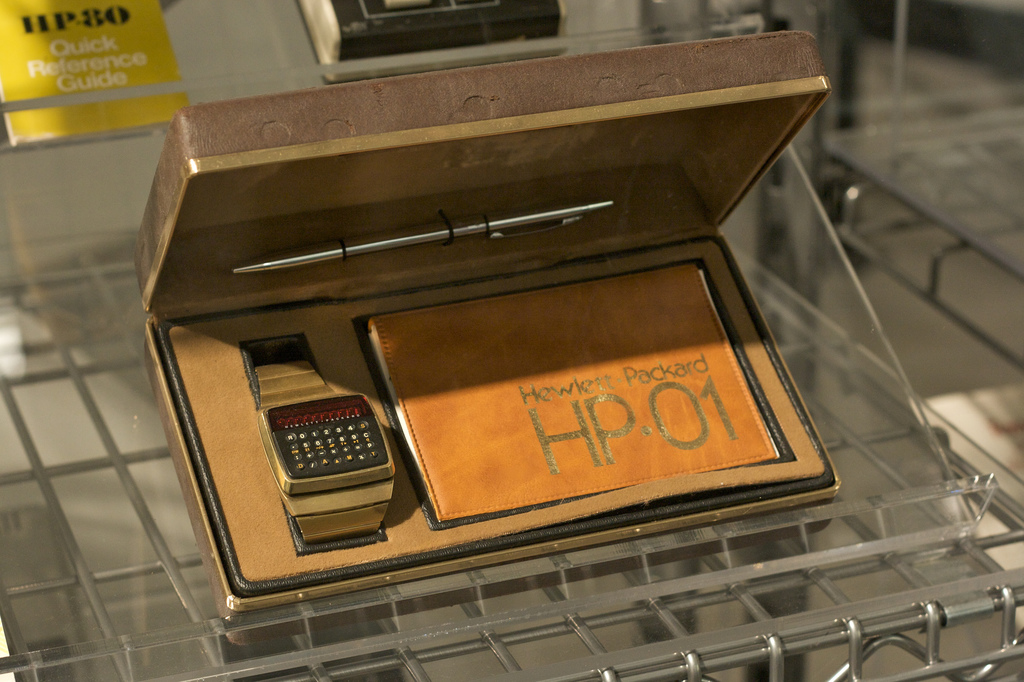
Great set of photos from the Computer History Museum. So great that someone is preserving this incredible hardware. Required reading: Core Memory. And that watch! Amazing…
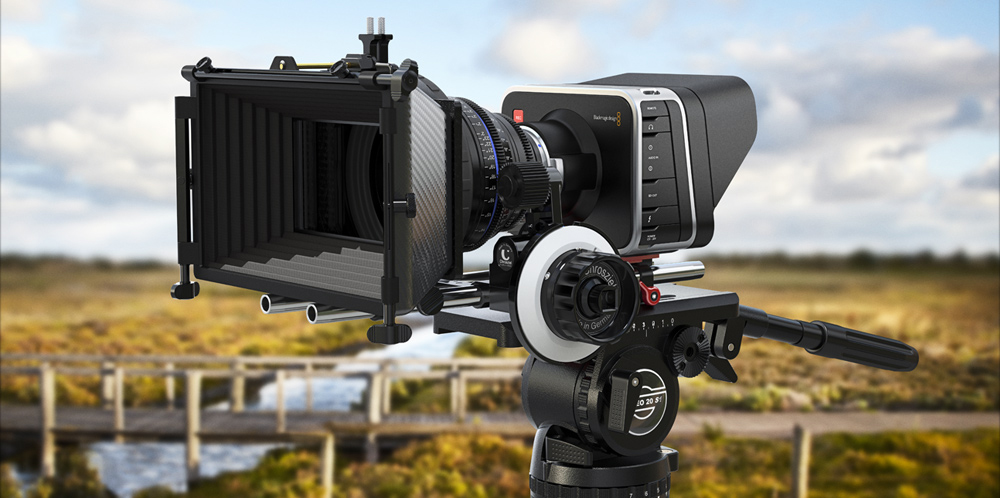
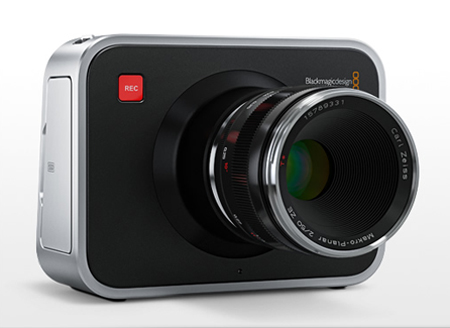
Last week I flew out to Las Vegas alongside the Fiction crew for NAB. The show covers everything from post-production and computer hardware to lenses, cameras and lighting. It’s hard to summarize everything that I saw because I was constantly in overload, so I decided to pick the one product that stuck out, the Blackmagic Digital Cinema Camera.
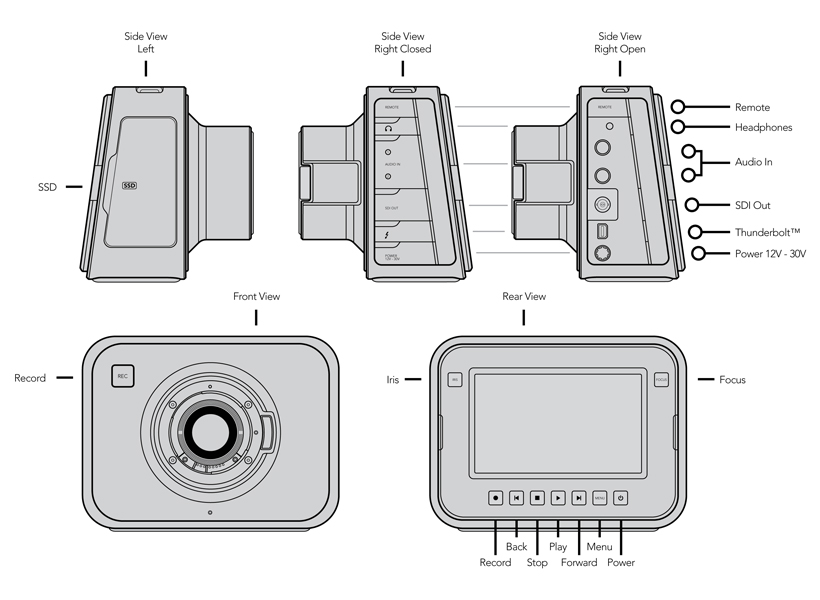
The Digital Cinema Camera is a Raw ( Cinema DNG 12-Bit ), 2.5K ( 2432 x 1366 ) camera for 3,000.00 USD. There’s a laundry list of features that the camera offers but mainly…it’s very, very cheap and it’s output at 2.5K is RAW. They implemented a Canon EF mount, so everyone transitioning from Canon can do so, easily. Also, it’s all touchscreen and uses off the shelf SSDs as media. The sensor is Micro 4/3 so it’s smaller than a Super35mm ( 7D / Red Epic ) and much smaller than the 5D which is close to 65mm ( In film terms, not still ), but they’re claiming 13 stops of dynamic range on it. The camera only shoots up to 30fps, so it’s not a camera that just beats all the others, but it definitely puts an option out there that a lot of people have been interested in.
From my perspective, it’s not about what the camera looks like, it’s what it delivers when it’s in the timeline. I think this fills a gap that’s been around for the past few years where the Canon DSLRs work for a lot of stuff that’s non-commercial or internet only…this offers professional level images at a bargain price. I think what I’m excited to see is the creativity and quality that’s about to change. I feel like a lot of motion designers and directors starting out use Canon DSLRs for low budget and experimental work and while it looks great now, imagine if these guys and girls are shooting 2.5K RAW and able to really work footage in terms of color, overlays, etc. The camera ships in late July, and they’re also including Davinci Resolve with it. I’m having a hard time not clicking “Add to Cart”.
Here’s a video detailing the camera completely from DSLR Newshooter. I wanted to get in and shoot a little interview but the booth and the 3 or 4 cameras they had out were swarmed every day I was there.
As of right now, I’m heavily invested in a RED Epic and I’m hoping to get together a techincal post on the camera and answer any questions on it in the next month. However, if I didn’t have it, I’d be all over the Digital Cinema Camera.
If you’ve got some time, hop over to their specs page and check it out.
Also, I hope to never hear the phrase “game-changer” again.
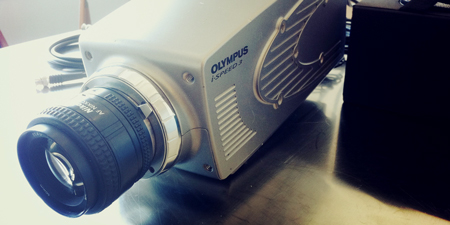
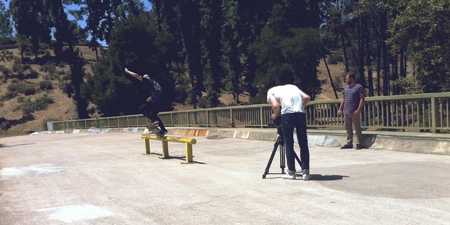
Shooting at 2000fps never gets old. A few months ago I had the opportunity to work with the Olympus iSpeed 3 from Jordy Klein. The iSpeed 3 is a high speed camera that can shoot up to 2000fps at 1280 x 720. It will actually shoot 1280 x 1024 if you want it to but most of us are looking for 16:9, 2:1 or 2:35:1 ratios. I won’t go into too much technical detail, but I’ll respond to any questions about the camera in the comments. It has an on-board CDU (Controller Display Unit) which acts as a monitor and control. Phantom cameras have been using something similar as well, but it’s great to see the progress. This feature is big for high-speed cameras because it means you can be more mobile. It used to be, and still is, that you control these types of cameras via a laptop or desktop computer, the CDU changes that. One other feature of the iSpeed 3 is that it saves to compact flash cards, which we all have. It’ll save uncompressed and a fairly compressed AVI file, as options. The uncompressed file is really high quality for use in post, but takes about 30 minutes to save to the CF, not good for swift production. It was fun to have a camera like this to use on my own for a bit rather than a quick production. However, it was a little overwhelming with the time constraint I had it in to think of stuff to shoot. The most interesting thing, and I don’t think I’m giving away any secrets here was driving around downtown and shooting out the window. Since it’s such a high frame rate you get dolly type shot with people almost frozen in time. I’d like to try that down the road more. Mostly, the things that look the best are the most ridiculous things like breaking something or water.
Shoot anything with water and it’s instantly magical.
Big thanks to Jordy Klein Film and Video, if you need rental equipment definitely check out his site or give him a call. Also thanks to all my friends that subjected themselves to all the random stuff I was egging them on to do.
I’ve posted the few pieces I’ve shot with the camera. The first one up top is a reel of everything I shot in the short time. There’s a bunch more footage, but it’d be dreadfully long if I edited it all together. Hopefully next year I’ll get to test another one.
Be sure to check out Tycho’s tour in 2012, there will be a bunch of footage that I shot with this camera used in the visuals.
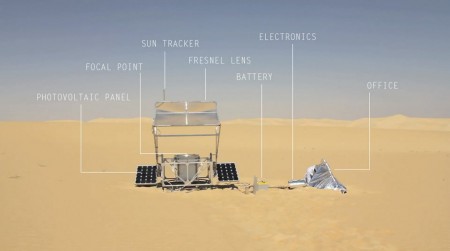
Besides approaching the most pressing issue of our time from a very interesting perspective, this video by Markus Kayser is absolutely stunning from a visual perspective. Kayser harnesses raw solar energy to produce glass objects using via a 3D printing process.
Fascinating. It’s visuals like these (and these) that make me realize I need to spend a lot more time in the desert taking pictures.
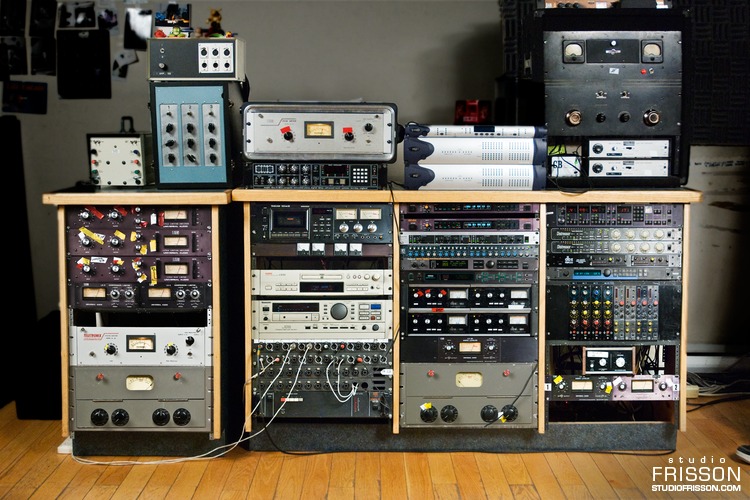
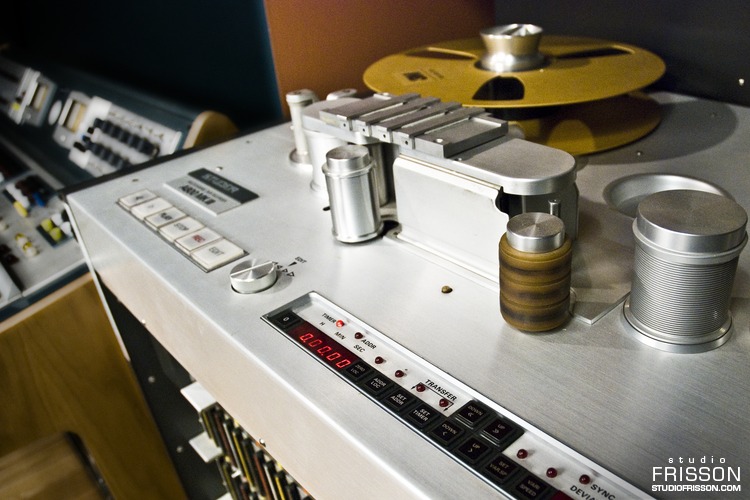
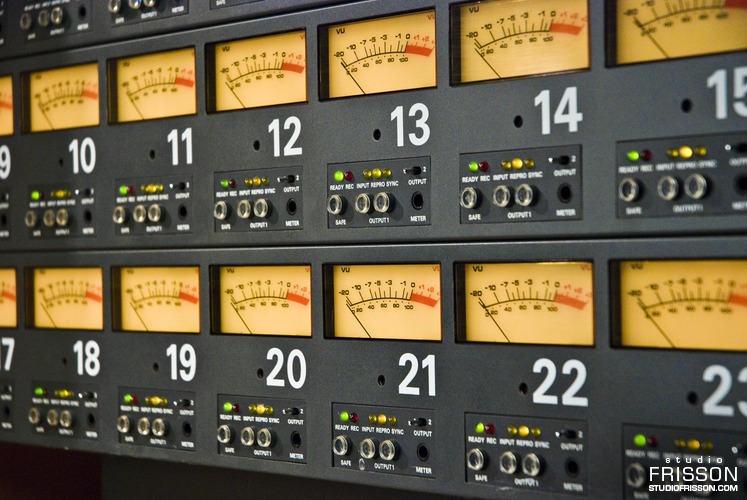
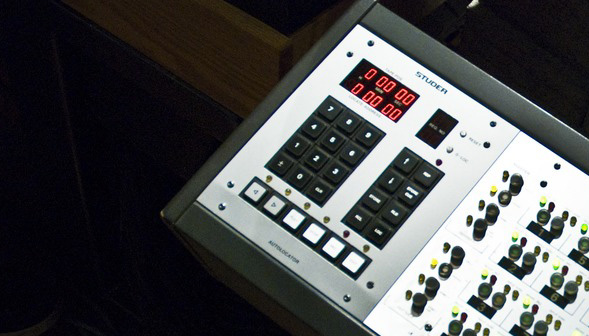
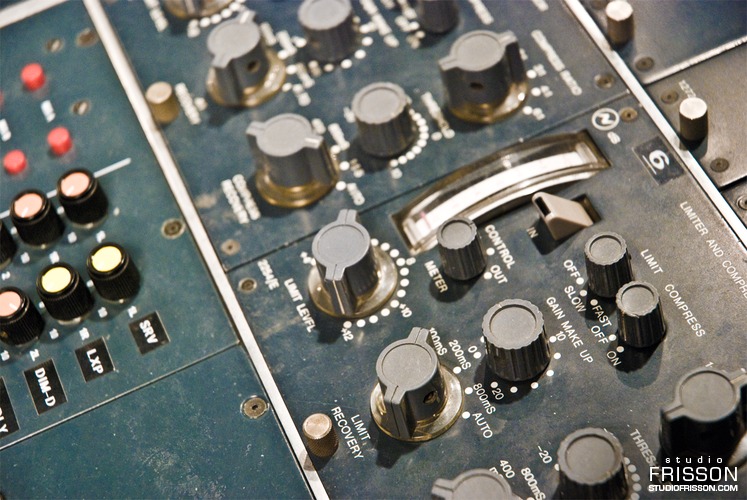
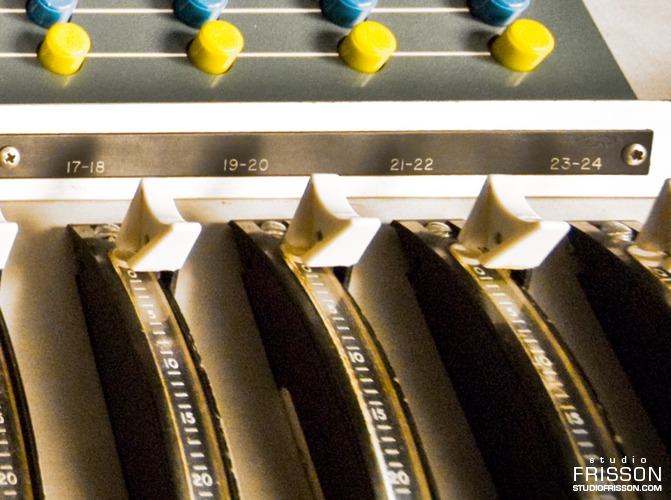
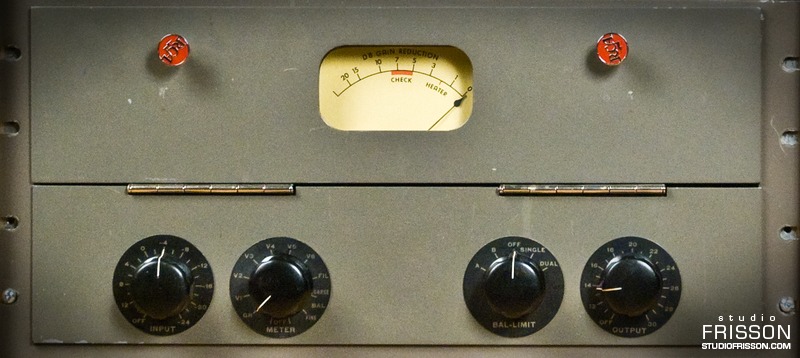
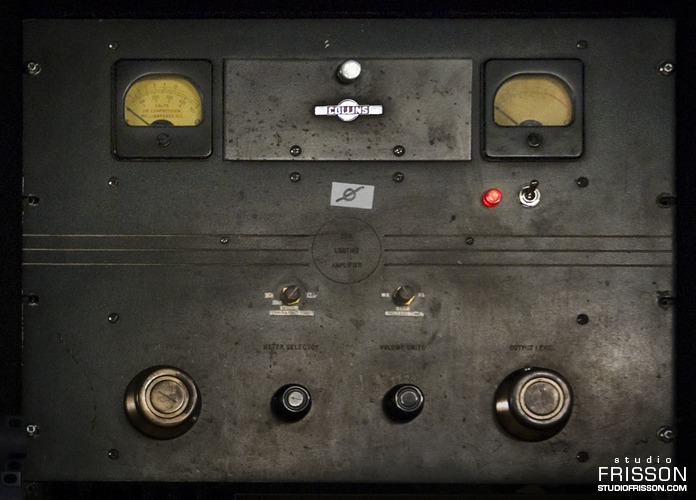
I came across these great photos from Québec-based recording facility Studio Frisson while gear-lusting tonight and was stricken by their quality. Most studios don’t do a very good job of tastefully photographing the facilities so it was refreshing to see these very well executed portraits of some of the most rare and prized recording equipment in the world. Some of the post on the photos is a little synthetic for my tastes, but still nice. Unfortunately the images are watermarked so you’ll have to imagine what they’d look like clean.
Speaking of watermarked photos, I’ve really been getting annoyed by the practice, particularly by good photographers. I get why they’re doing it, but honestly, is the damage it does to your image and composition worth whatever infringement someone could pull off using a 650px, 72dpi JPEG? Just asking for the sake of argument, I can certainly understand the motivation.
Anyways, you may not share my hopeless obsession with analog audio hardware, but you can’t deny the sexiness of these machines and their interfaces. I’ve always found equipment like this a good source of inspiration when designing realistic software interfaces.
Sorry, no mention of the photographer that I could find. If anyone knows please speak up!