Mousepaths + Hiroyuki Hamada
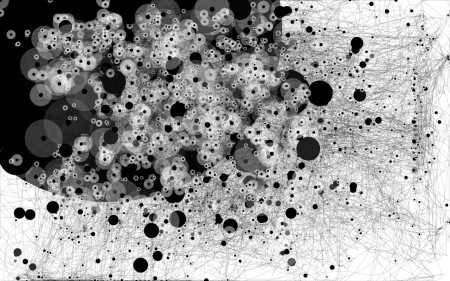
Feltron's Mousepaths over 24 Hours
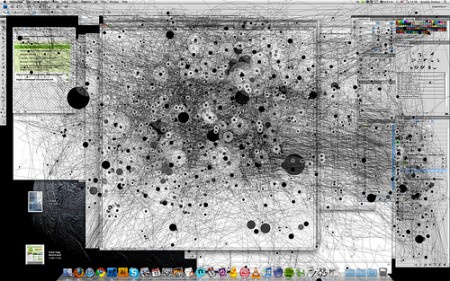
Anatoly Zenkov (3 Hours Working in Photoshop)
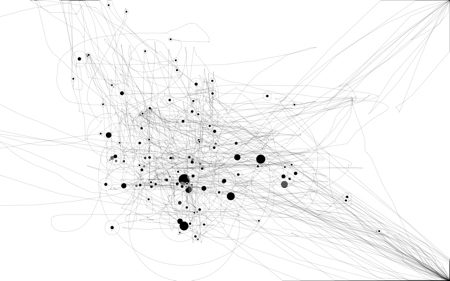
My mousepaths while writing this post
These images are recordings of mousepaths using a Java applet by Anatoly Zenkov. In addition to being an interesting aggregation of usage data, they look pretty cool (especially the ones over shorter time periods). The third image is my mousepaths while writing this post. The most telling are my frequent trips to the corners to cue my Exposé actions. Important to note that the black spots are where the mouse stopped for a period of time, not clicks as I thought at first. You can download it here: PC Version | Mac Version.
“S” – save image. “R” – restart.
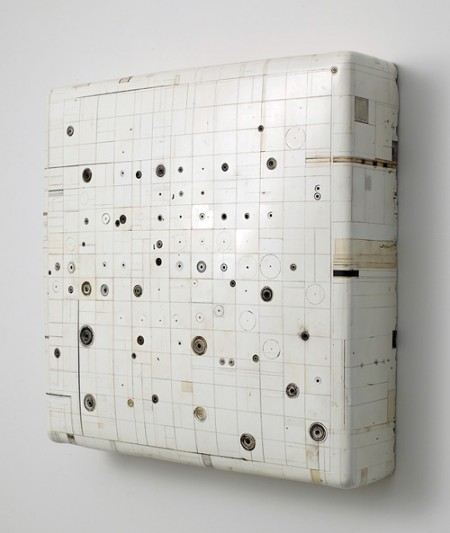
Hiroyuki Hamada
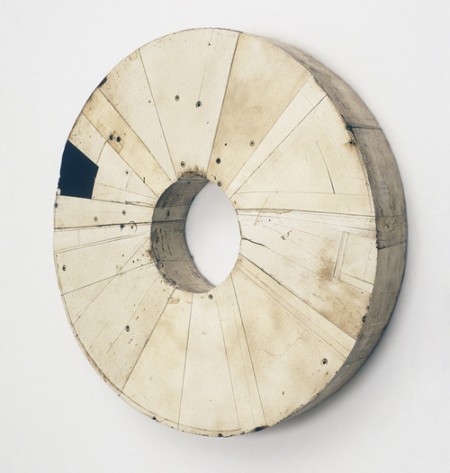
The last two images are pieces by Hiroyuki Hamada. Completely unrelated yes, but when I saw the mouspath images I immediately recalled these from a couple weeks ago on bdif. I’d worry about you if your mouseclick data looked like this.

21 Comments Leave A Comment
Shelby says:
February 15, 2010 at 10:44 amThis is awesome! I’ll have to try it.
lauren says:
February 15, 2010 at 10:54 amI love this, but it doesn’t span my entire screen and there doesn’t seem to be a way to enlarge it.
Clayton says:
February 15, 2010 at 2:09 pmLauren –
The window that it runs in doesn’t show up as full screen on your monitor (if it’s of a higher resolution). It does, however, still register every part of your screen (you can test it out by moving your mouse to the corner of your screen, noticing that it goes to the corner in the Java applet window). The image will be the size of your monitors resolution once it’s saved.
Hope this helps…
mike says:
February 15, 2010 at 2:25 pmI”m going to have to try out the mouse paths thing, it’d be interesting to see.
Tardlovski says:
February 15, 2010 at 4:32 pmi wish it worked for dual monitors…most of my stuff i do on my left screen but my desktop is fixed on the right and it’s only catching those mouse-ings.
still pretty cool though
sidefx says:
February 15, 2010 at 5:54 pmi cant figure out where it saves to. =(
sidefx says:
February 15, 2010 at 6:07 pmnevermind =D
Julian says:
February 16, 2010 at 2:20 amHeres mine from a few days ago in Illustrator inbetween breaks at work.
http://img685.imageshack.us/img685/3434/mymousepath10feb.gif
Ints says:
February 16, 2010 at 7:03 amReally cool!
Pranav Ainavolu says:
February 16, 2010 at 11:46 amomg… its really awesome!!!
nick robinson says:
February 16, 2010 at 3:54 pmAmazing!
I really like how this little device forces you to use time as a factor in creating dynamic between dot sizes.
Todd says:
February 16, 2010 at 7:25 pmWhere does this save the images to? And do you just press S on the keyboard to save or what?
Thanks,, I’m dieing to try this out.
Paul Anthony Webb says:
February 22, 2010 at 6:53 pmNow this is pretty awesome!
Andreas says:
March 28, 2010 at 10:58 amWe are excited to show Hiroyuki Hamada’s work at Art Chicago! April 29th until May 3rd 2010! Don’t miss it!
Emanuel C says:
April 22, 2010 at 12:59 pmDid anyone try printing these things? Any way to blow them up big? Thanks.
Garnett Nakashima says:
January 10, 2011 at 11:49 amIt had been some time since I visited website with such quality information. Thansk quite a bit for the useful information