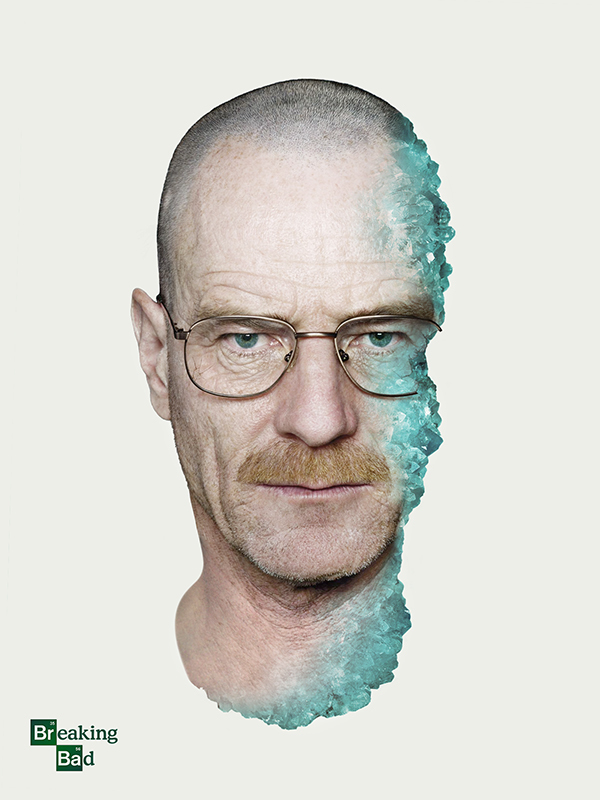
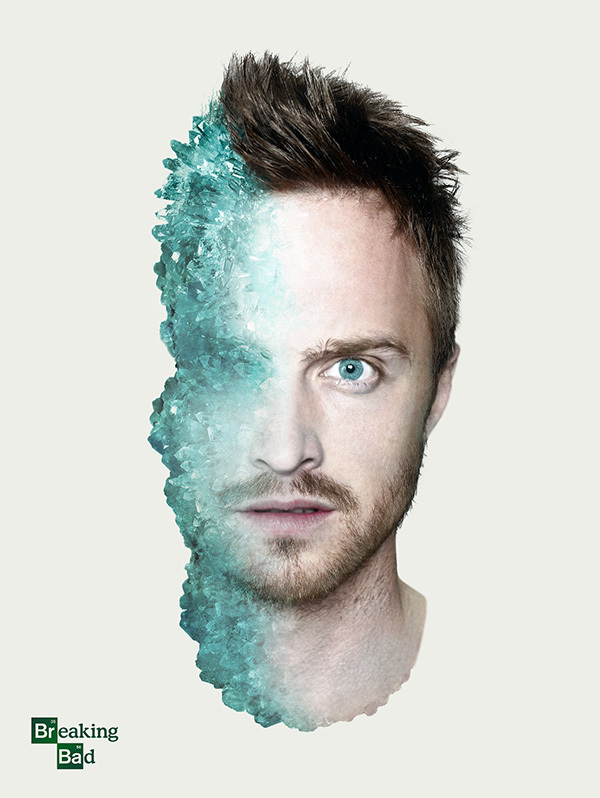
For the final episode of AMC’s Breaking Bad show, I (Shelby) created these two posters of Walter White (Bryan Cranston) and Jesse Pinkman (Aaron Paul). If you’ve seen the show you’d immediately recognize the blue as a representation of Walter’s high-purity methamphetamine. Without spoiling the show, you’ll notice there is more blue crystal on Pinkman’s face than there is on Walt’s. In that lies the concept of these posters. The posters were created for fun using only a few images.
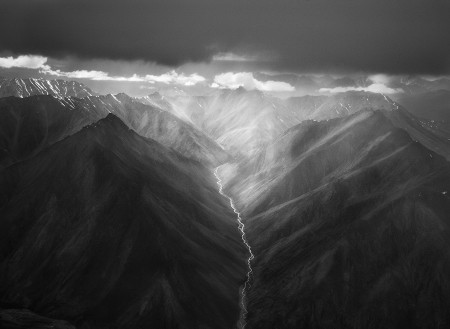
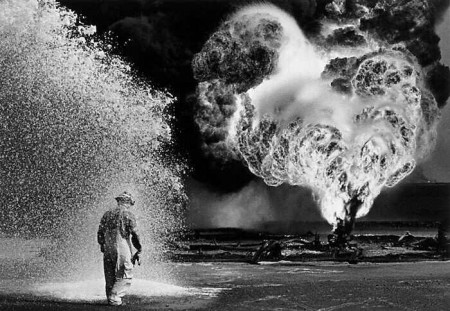
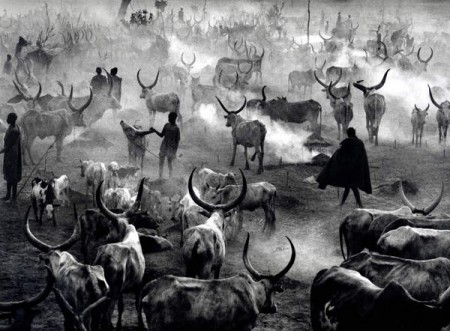
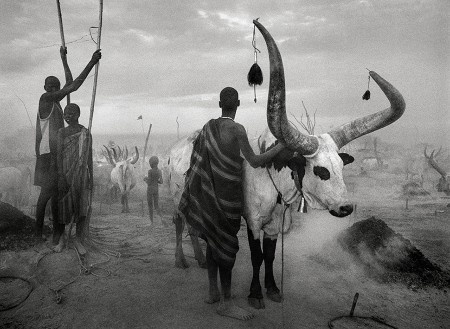
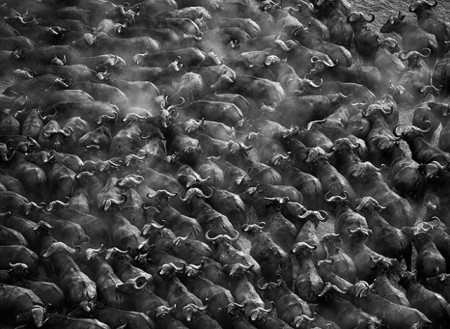
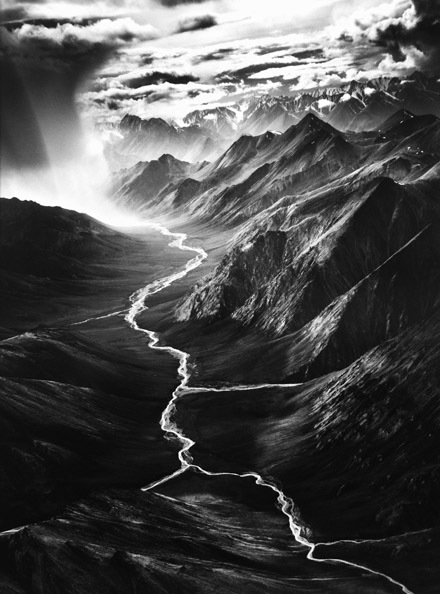
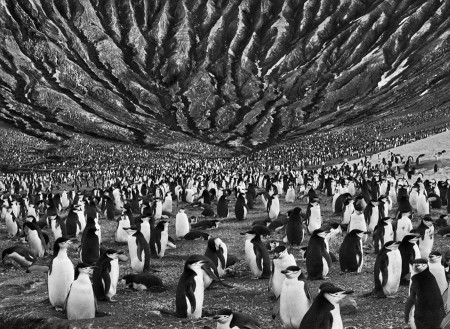
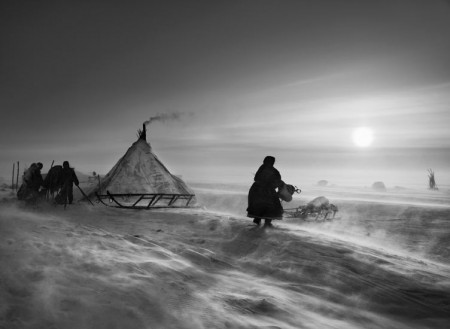
Perhaps I’m a little late on the Sebastião Salgado bandwagon but I’m really glad I jumped on. Sebastião Salgado is a veteran documentary / photojournalism photographer from Brazil. I believe most of the shots above were shot with a Leica M7 with mostly Kodak’s T-Max 400 film. I’ve also read that Mr. Salgado has switched to digital format in recent years. Either way, his photographs floored me. I was at Samy’s Camera here in Los Angeles and they had his book Genesis on display. I could have sat and viewed that book for days. Each image had me staring at it for a good length of time. Salgado’s work is the kind of work that makes me want to quit photography entirely because it’s just too good.
I could go on and on about his work but go ahead and do your own research on Sebastião Salgado.
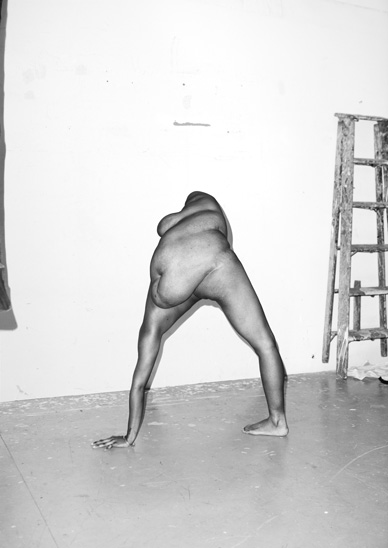
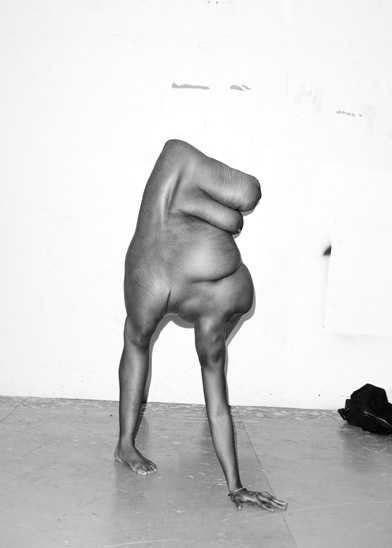
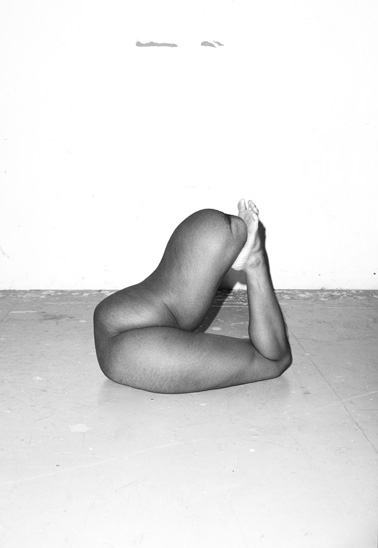
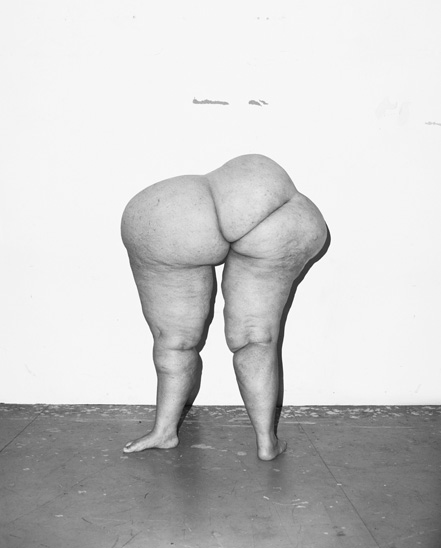
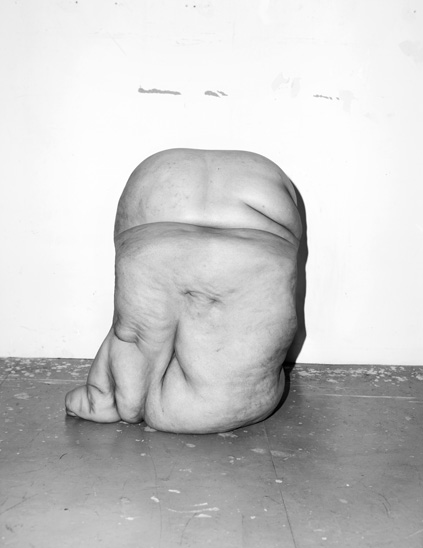
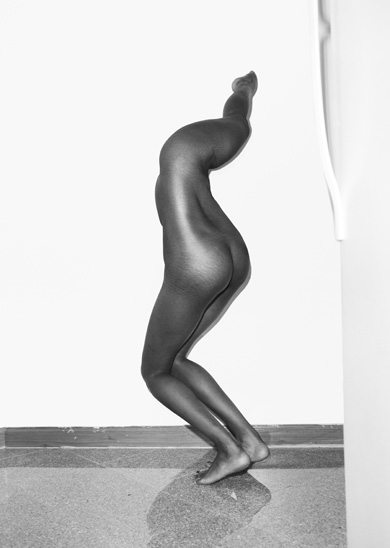
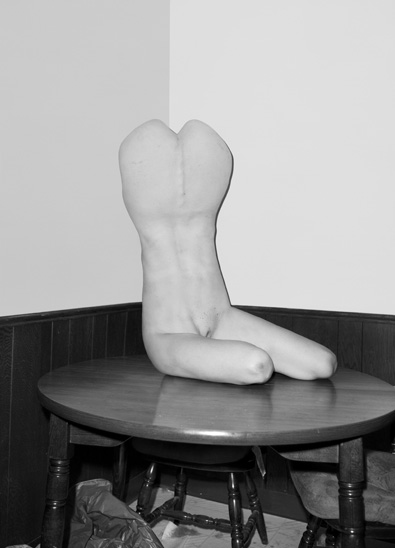
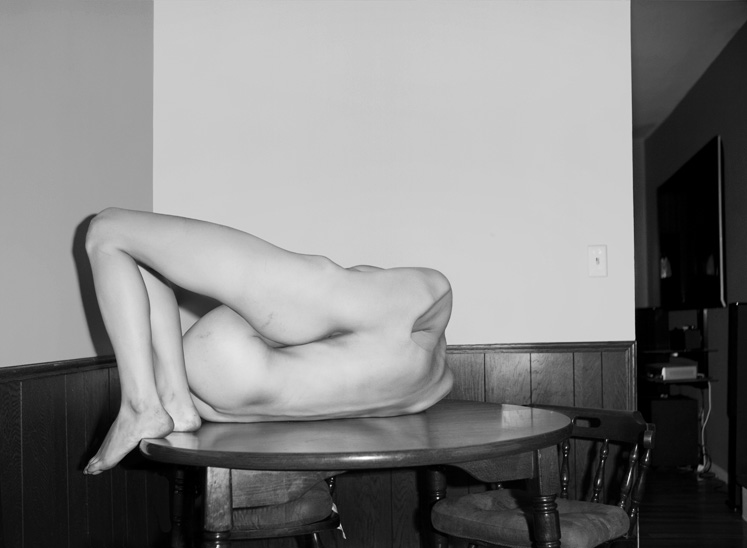
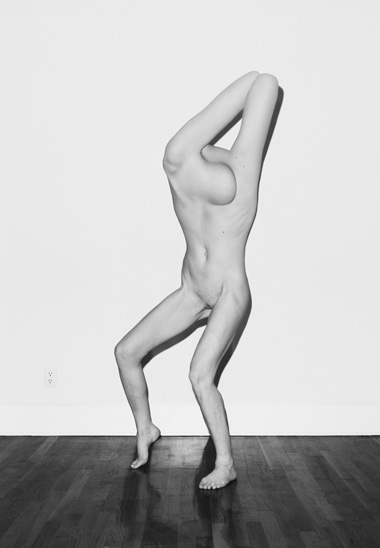
The fantastical black-and-white nudes of Asger Carlsen‘s Hester series are nothing if not provocative. The NY-based artist works in limbs and lumps, torsos and bulges, constructing figures that are human and yet not quite, and “shooting” them in gritty greytones. The resulting images are alternately grotesque, graceful, and thought-provoking. If you can suppress your gag reflex long enough, Carlsen’s deformed forms possess a strange beauty, and an unblinking skepticism about photography’s capacity for realism.
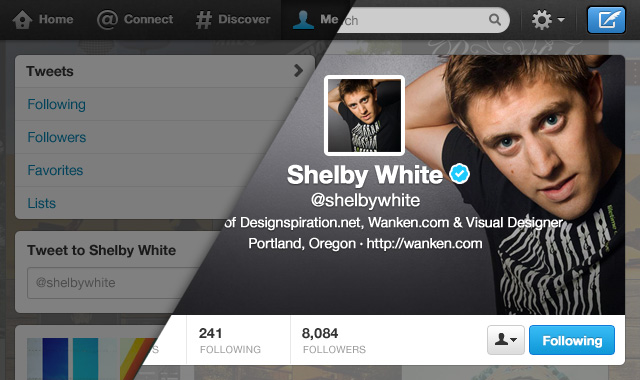
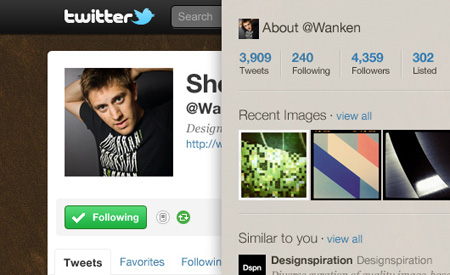
Twitter just rolled out a new profile design that allows you to add your own header banner. Pretty cool, but it’s hard to tell what looks best without fidgeting with it, then waiting. To make it easier on you, I’ve updated my Twitter PSD Photoshop template to the new design.
The profile images in the template utilize smart objects to make it easier to update all of the images in the template at once. The name/username’s in the tweets also utilize smart objects. Double-click to edit, then edit the contents and it will update all of the smart objects synced with it.
This template was built closely to Twitter’s current layout as of September 20th, 2012. Download the template below. Please share the PSD if you find it useful. If you have any questions or suggestions leave a comment.
Giving back to the community isn’t always as easy as finding and sharing great design. Sometimes it requires spending time doing tedious details of a Photoshop document… and that is exactly what I’ve done for you.
Here for your use is a Twitter UI Photoshop template perfect for mocking up your page before updating it live. The template is spot on with Twitter’s current layout. In the Psd, each of element set is grouped into its respective area based on the page. Each layer is also labeled and color coded. Twitter mockups should be a whole heck of a lot easier now, enjoy!
Twitter UI Photoshop Psd (4.9 MB) | Version 1.2 — Share this
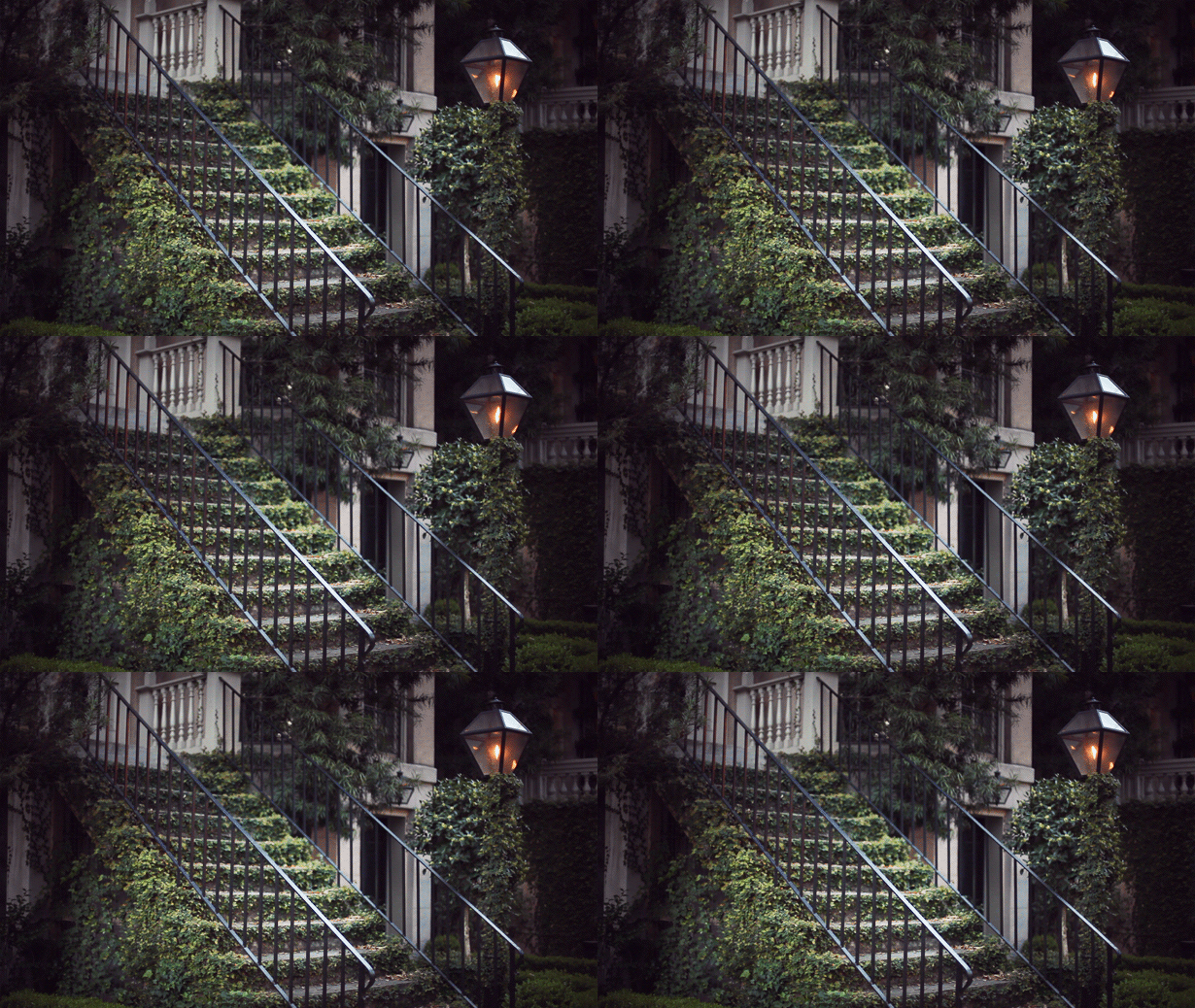
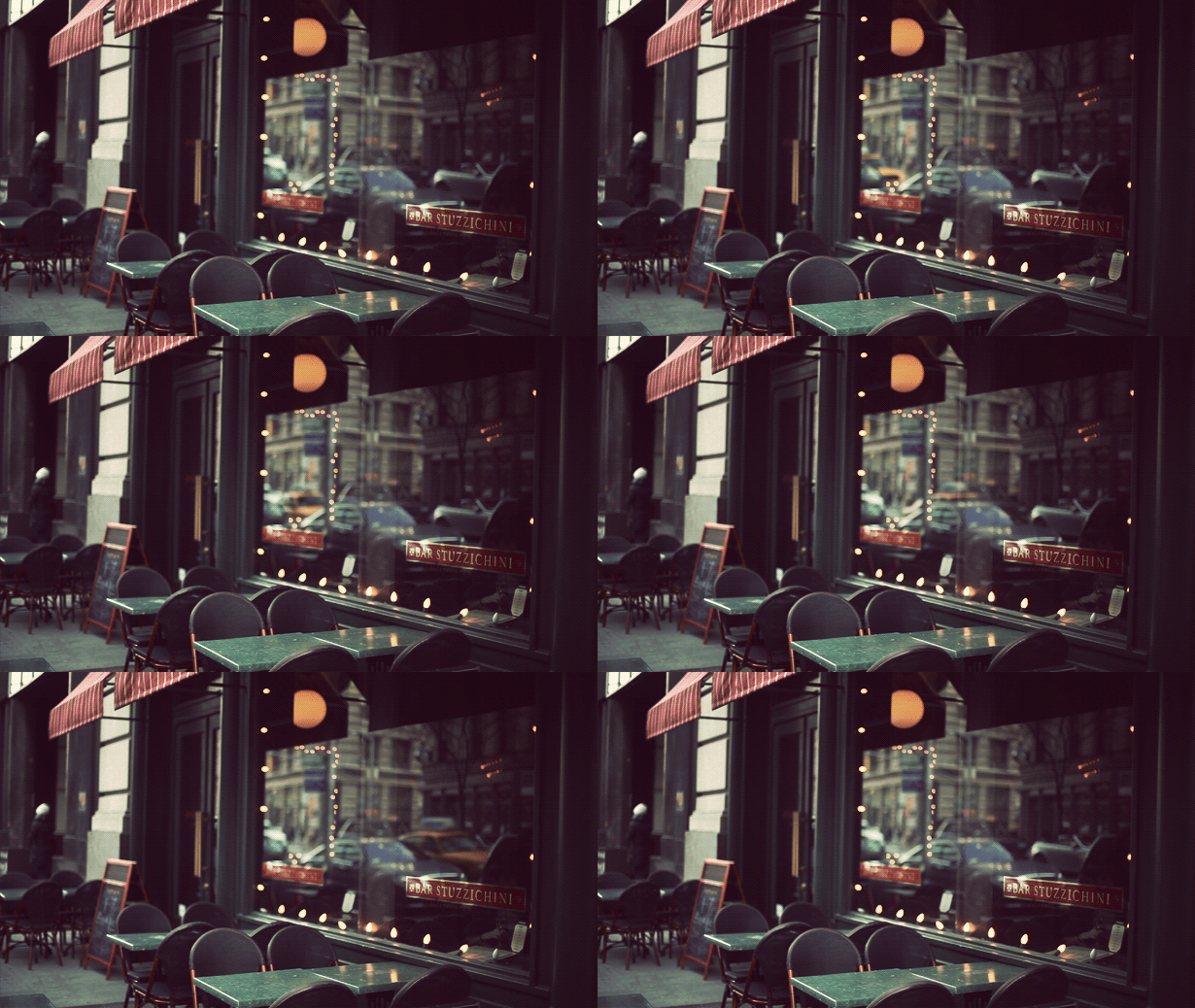
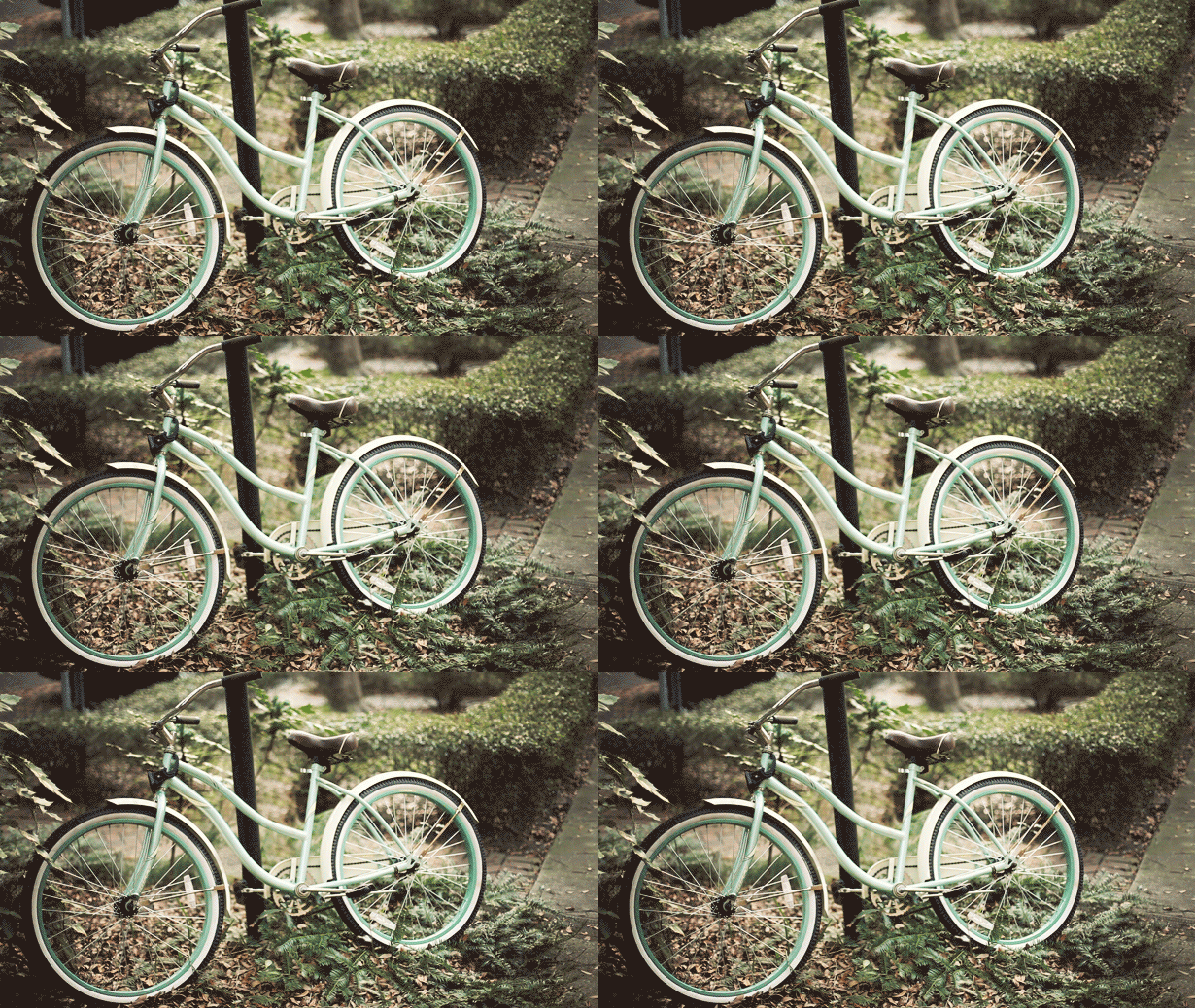
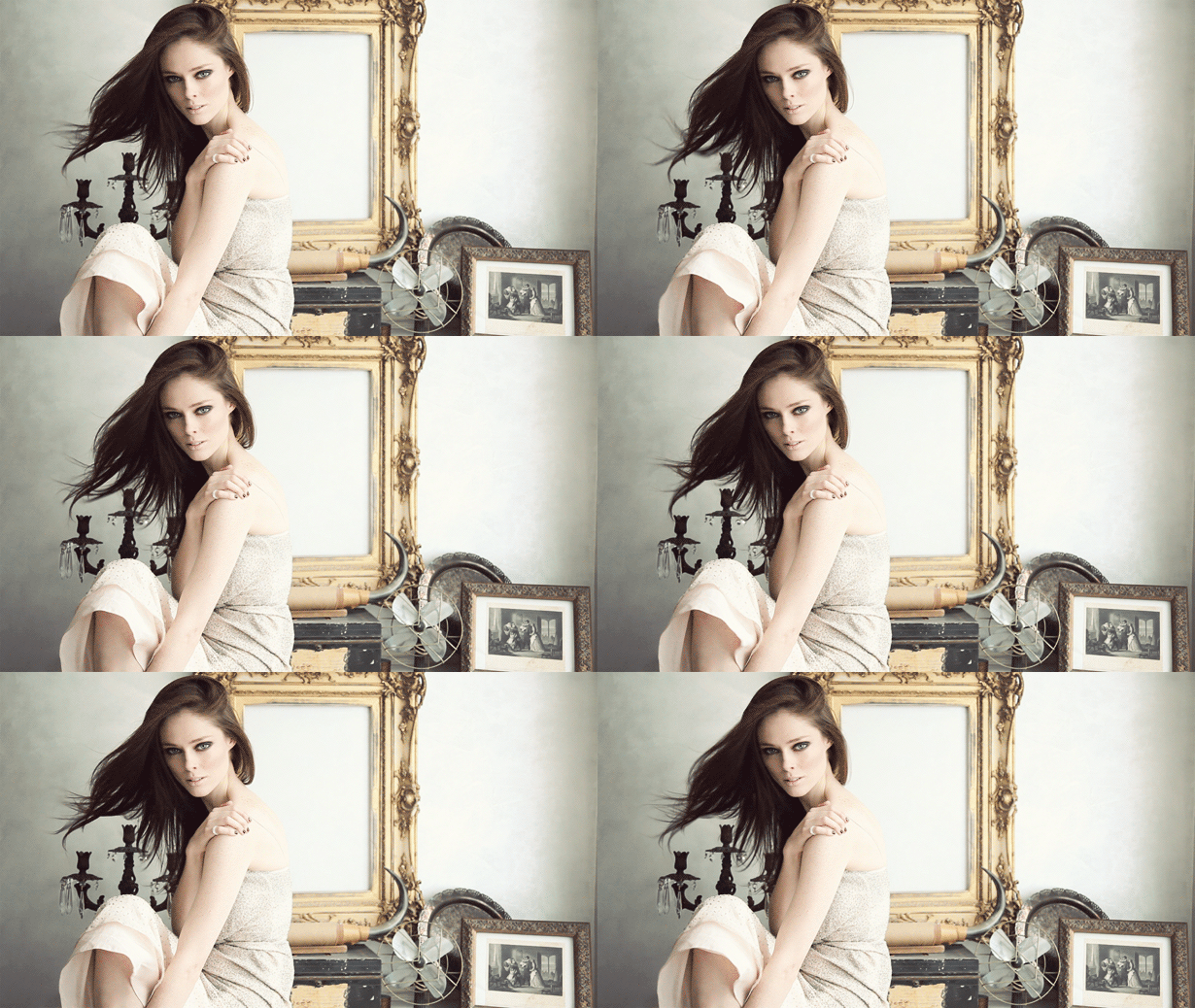
This is my favorite thing on the internet right now. These terrific animated GIFs were created by Jamie Beck, a NYC based photographer. The allure is simple: rather than overtly drawing your attention to obvious movement, these animations are very subtle and controlled.
*Tasteful* I think is right word to describe them. It’s what sets them apart from all the other nonsense GIF animations. The subtlety creates a kind of serenity almost — sort of a halfway point between film and real life. Definitely makes you do a double take the first time you see it.
Prediction: I know animated GIFs are as old as time, but I think soon this subtle spin on the technique will be absolutely everywhere. Enjoy it now.
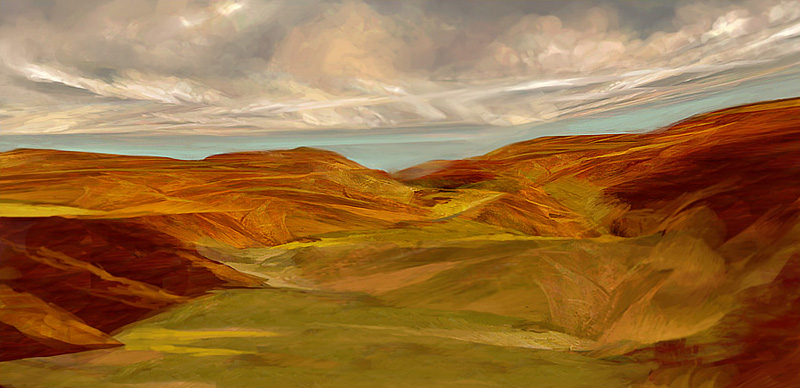
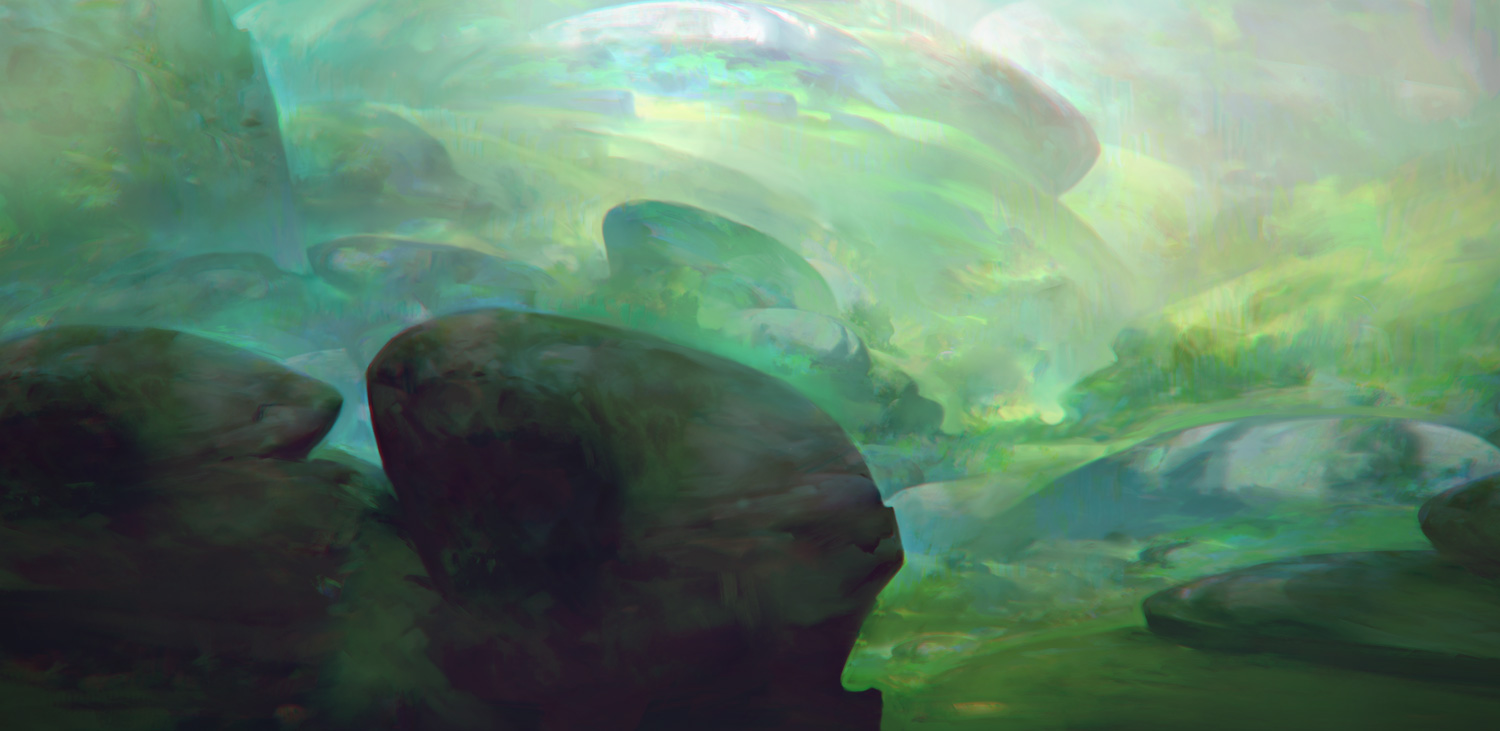
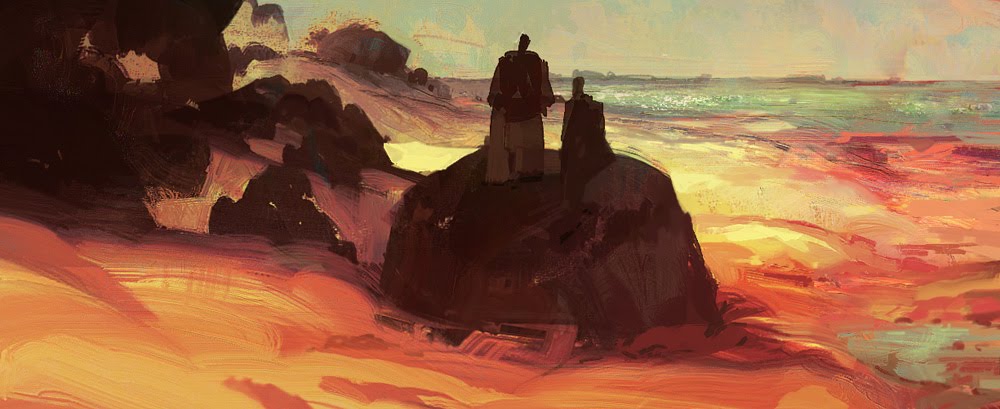
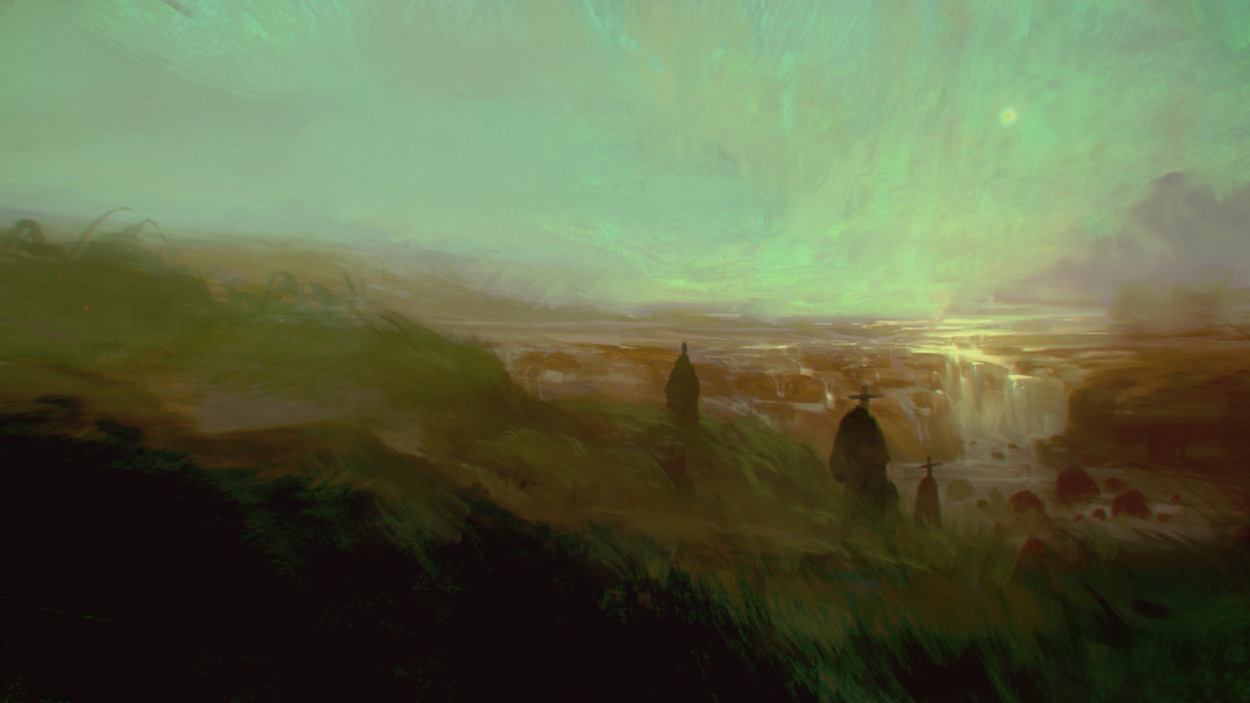
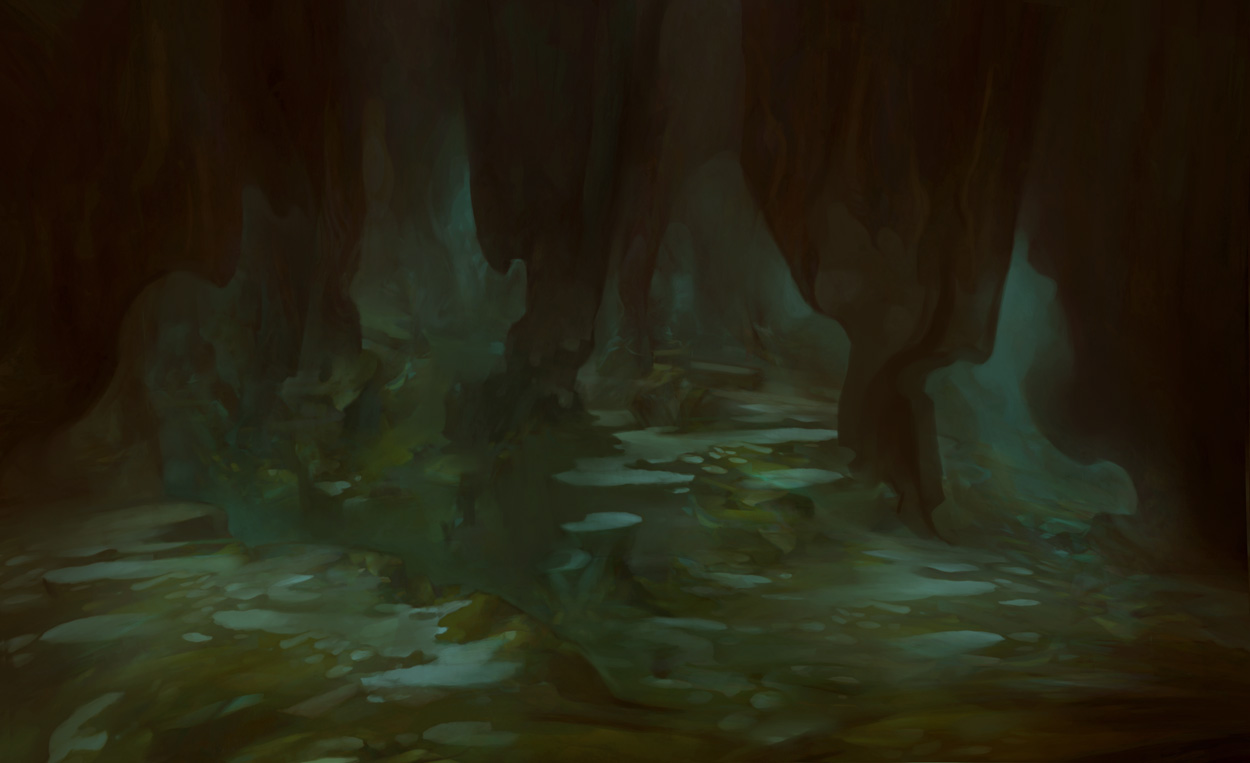
Thomas Scholes is a digital artist out of Seattle who uses Photoshop to create painterly landscapes sort of in the vein of Roger Dean and more recently, Dan McPharlin. I love his color use and the texture; it’s really incredible that this is all being done within software.
Thomas also does a lot of process videos showing how he works with various imagery and textures to get these effects. I particularly enjoyed this one which shows him modeling a landscape from a photo of a woman (see video below). I love the idea of incorporating unrelated imagery into a composition as texture or distressing — or, in this case, as a framework.
You can check out more of Thomas’ work and videos at his blog
This is absolutely insane. In the video, Photoshop product manager Bryan O’neil Hughes walks us through a new feature they’re working on: “Content-Aware Fill Sneak Peek”. I can’t tell you how much time this would have saved me. To be honest I thought this might be an early April Fools joke (a’la Google’s hoaxes) but this appears to be legit.
Bryan doesn’t say when/if this new feature will show up in the product, but judging from it’s performance in the video I wouldn’t be surprised if it shows up in CS5 at some point (coming April 12th, 2010). Let’s just hope it works as well in the real world as it does in the lab because that’s downright incredible.